8 Best Photo Editor Apps for Android in 2026 (Free & Paid)
There are hundreds of photo editor apps on Google Play, but only a handful are worth installing. This list covers the best photo editor apps for Android in 2026 for quick fixes, serious editing, AI enhancement and social media designs, with honest notes on what is free and what needs a subscription. Prices and features change often, so always check the current Google Play listing.
Best photo editor apps at a glance
| App | Best for | Free? |
|---|---|---|
| Snapseed | Free, powerful manual editing | Free, no ads |
| Google Photos editor | Quick fixes on photos you already have | Free (some tools need Google One or Pixel) |
| Adobe Lightroom | Colour, light and RAW editing | Free tier + Premium |
| Adobe Photoshop Express | Retouching and quick fixes | Free tier + Premium |
| Picsart | Effects, stickers, collages, AI tools | Free tier + subscription |
| PhotoDirector | AI tools and old photo repair | Free tier + subscription |
| Canva | Social posts, thumbnails, designs | Free tier + Pro |
| Remini | AI face enhancement | Free tier + Pro |
1. Snapseed – best free photo editor
Snapseed, made by Google, is still one of the best free photo editor apps. It has no ads and includes Tune Image, Selective, Healing, Curves, Perspective and more. Edits are non-destructive, so you can go back and change any step.
2. Google Photos editor – easiest for everyday fixes
If your photos are already in Google Photos, its editor offers one-tap enhancements, cropping, light and colour controls. Some AI features depend on your device or a Google One plan.
3. Adobe Lightroom – best for colour and RAW
Lightroom’s mobile app is the strongest choice for photographers. The free version covers light, colour and presets; Premium adds features like advanced masking and healing. See the Adobe Lightroom mobile FAQ for what is free.
4. Adobe Photoshop Express – quick retouching
Photoshop Express is lighter than Lightroom and focused on fast fixes: blemish removal, noise reduction, collages and text.

5. Picsart – creative effects and AI tools
Picsart is one of the most popular photo editor apps for social media: stickers, effects, background removal and AI enhance. Many of the best tools need a subscription.
6. PhotoDirector – AI enhancement and restoration
PhotoDirector includes AI tools for enhancing and repairing old photos, sky replacement and object removal. Its free version shows ads.
7. Canva – designs, not just photos
Canva is best when your photo is part of something bigger: a YouTube thumbnail, Instagram post or poster. The free plan is generous; Pro adds premium templates and tools.
8. Remini – AI face enhancement
Remini specialises in sharpening faces and restoring old photos with AI. It is not a full editor, but it does one thing very well. Read our Remini APK guide, or compare it in our list of Remini alternatives.
How to choose the right photo editor app
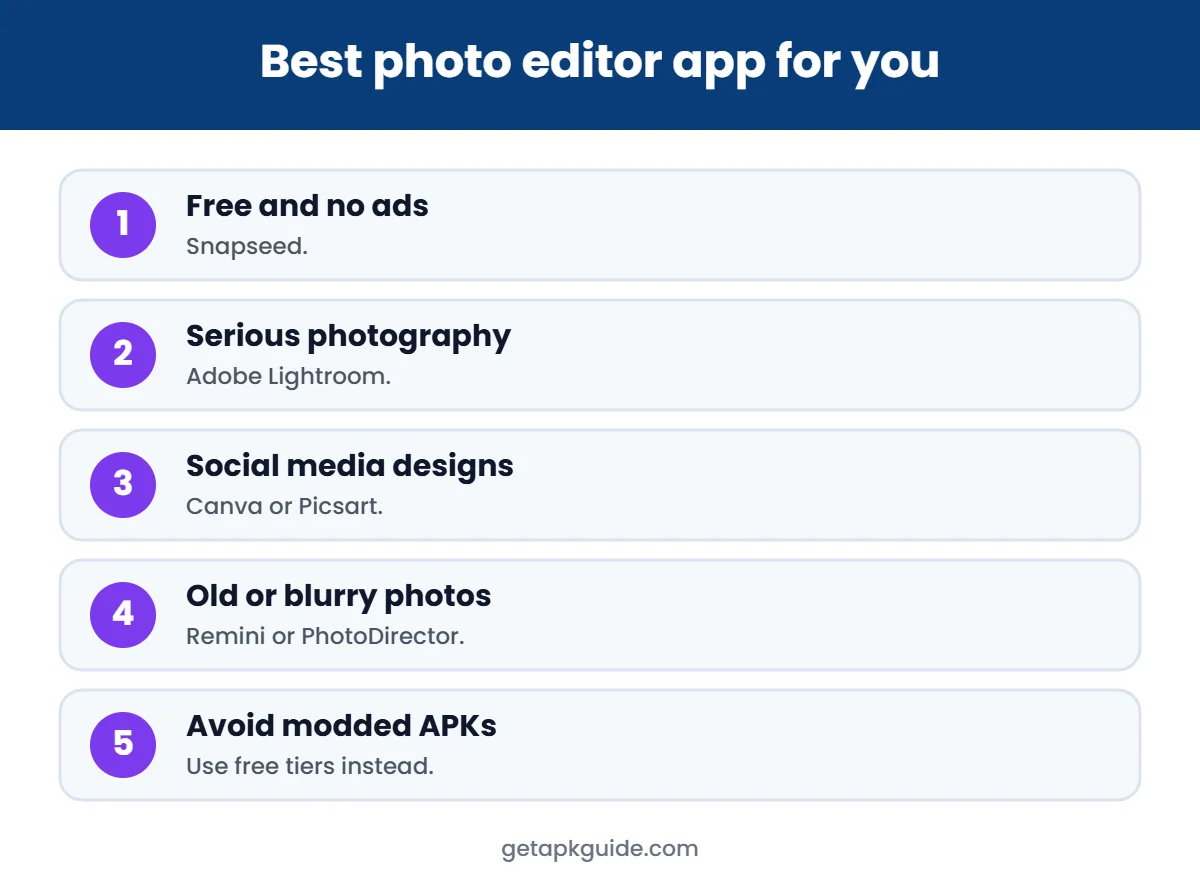
- Free and no ads: Snapseed.
- Serious photography: Lightroom.
- Social media designs: Canva or Picsart.
- Old or blurry photos: Remini or PhotoDirector.
- Privacy first: apps that work offline, such as Snapseed, keep photos on your phone.
Avoid modded photo editor APKs
“Premium unlocked” versions of Lightroom, Picsart or Remini are modified by unknown people and may steal accounts or data. Use the free tier or a free app instead. Read Remini Mod APK risks and Is HappyMod safe? to see why.
Tempted by a “premium unlocked” version? Read Lightroom Mod APK risks to see what free Lightroom already includes.
FAQ
What is the best free photo editor app for Android?
Snapseed is the best fully free option: powerful tools, no ads and no subscription.
Which photo editor apps work offline?
Snapseed works offline. Many AI features in other apps need an internet connection because processing happens on servers.
Are photo editor apps safe?
Apps from well-known developers on Google Play are generally safe. Check permissions and avoid modded versions from APK sites.
Which app is best for Instagram photos?
Lightroom for colour, and Canva or Picsart for layouts, text and effects.
Compare: can’t decide? Read Snapseed vs Lightroom.