HappyMod iOS: Does HappyMod Work on iPhone? (2026 Truth)
Searching for HappyMod iOS because you want the HappyMod store on your iPhone or iPad? You are not alone, and you will find hundreds of pages promising a “HappyMod iOS download”. This guide explains the truth: whether HappyMod iOS really exists, why Android APK files cannot run on an iPhone, which HappyMod iOS sites are scams, and the legitimate ways to get free or discounted apps and games on iOS.
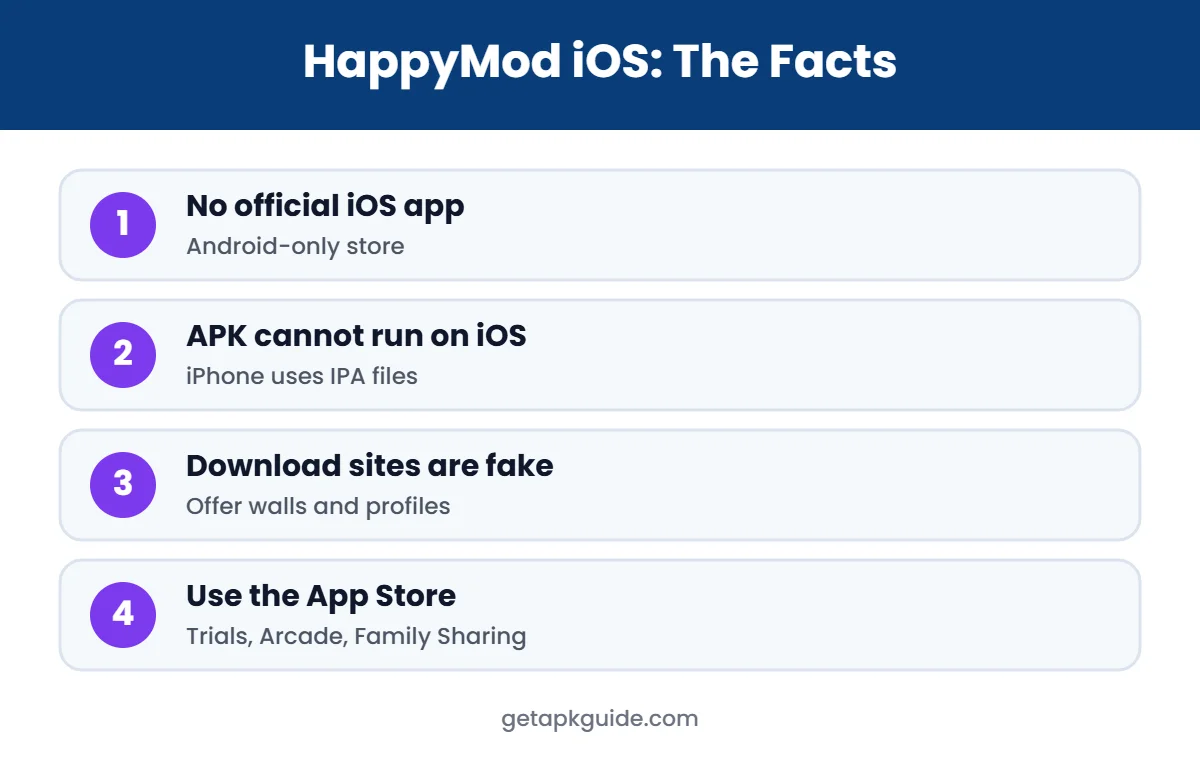
Quick answer: there is no official HappyMod iOS app. HappyMod is an Android-only store for modified APK files, and APK files cannot be installed on iPhone or iPad. Pages offering a HappyMod iOS download usually lead to fake “verification” offers, survey scams, configuration profiles or unrelated apps. On iPhone, stick to the App Store, official free trials and, in the EU, approved alternative marketplaces.
Is There a HappyMod iOS App?
No. HappyMod was built for Android. It is a third-party store that lists modified (“mod”) versions of Android apps and games as APK files. A 2024 report from Applesfera noted that HappyMod is not available on iPhone and that its makers had no plans for an iOS version (Applesfera). We checked again in November 2026 and found no official HappyMod iOS app from the HappyMod team.
You may see an App Store app with a similar name, such as “HapMod: Happy Game Mods”. That is a different app from a different developer, not HappyMod, and it does not install Android mods. Always check the developer name before you assume an app is official.
If you want to understand what HappyMod is on Android first, read our HappyMod guide and is HappyMod safe.
Why HappyMod iOS Cannot Work on iPhone
Even if someone sent you the HappyMod APK, your iPhone could not open it. Here is why HappyMod iOS is not possible in the way Android users know it:
| Android (HappyMod) | iPhone / iPad (iOS) |
|---|---|
| Apps are APK files | Apps are IPA files |
| Sideloading allowed after you enable “Install unknown apps” | Apps install from the App Store (or approved EU marketplaces) |
| Any signed APK can be installed | Every app must be signed and checked by Apple |
| Mods are re-signed APKs | Modified apps are blocked or revoked |
An APK file contains Android code and resources. iOS uses a completely different system, so an APK simply does not run there. Learn more in what is an APK file.
HappyMod iOS Download Sites: What Really Happens
Search results for HappyMod iOS are full of pages on unrelated or hacked websites, such as university or non-profit domains, with titles like “HappyMod on iPhone: a simple download guide”. Many of these are spam pages built only to catch traffic. When people tap “Download HappyMod iOS” on them, this is what usually happens:
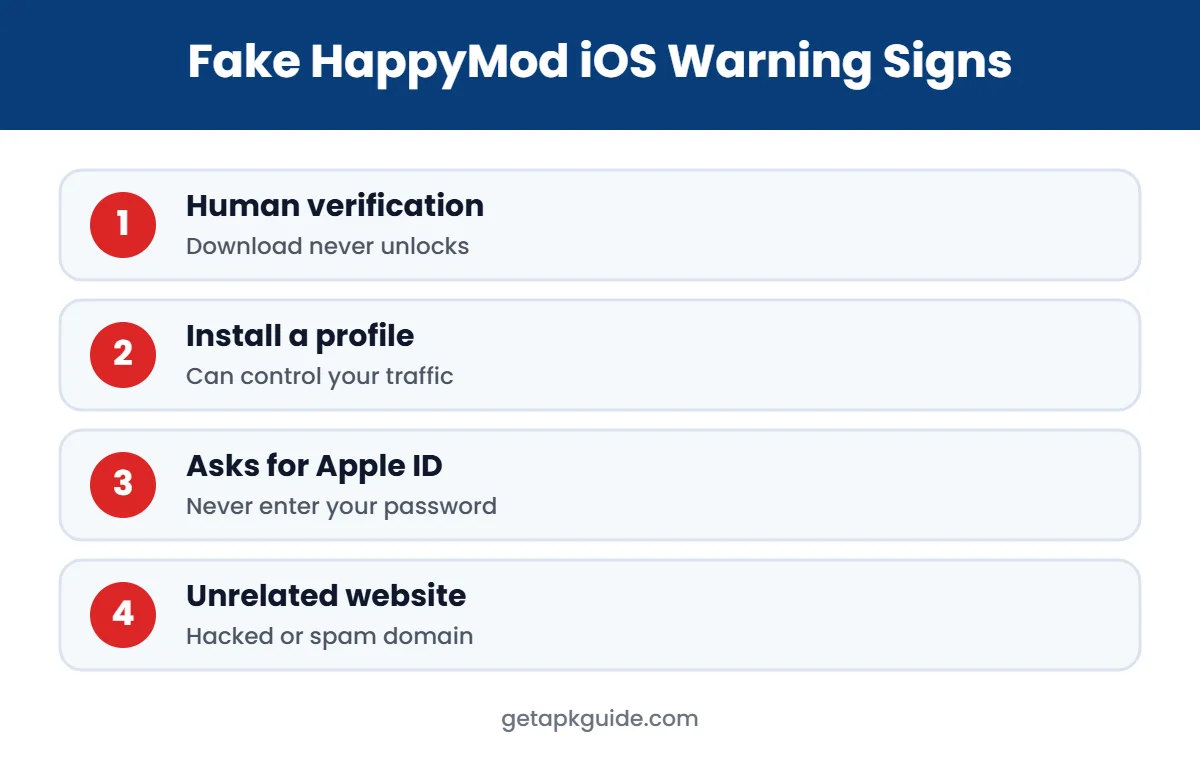
- “Human verification” walls: you are asked to complete offers, install other apps or enter your phone number before the download “unlocks”. It never unlocks.
- Survey and gift-card scams: the button leads to prize or survey pages that collect personal data.
- Configuration profiles: you are told to install a “profile”. A malicious profile can route your traffic, add certificates or install unwanted web clips.
- Paid “signing services”: some sites sell certificates to sideload apps. These often get revoked by Apple, and the apps stop working.
- Fake HappyMod iOS apps: web clips that look like an app icon but only open an ad-filled website.
Is HappyMod iOS Safe? The Worst Risks to Know
Because there is no real HappyMod iOS app, any file or profile that claims to be HappyMod iOS comes from an unknown source. That is the biggest risk. Here are the worst problems people report with fake HappyMod iOS downloads:
- Losing personal data such as email, phone number or Apple ID details.
- Installing a configuration profile that controls VPN, proxy or certificate settings.
- Getting subscribed to paid SMS or premium services by mistake.
- Paying for a signing certificate that is revoked within days.
- Account bans in games if a modified game is ever used online.
Never enter your Apple ID password on a site that offers HappyMod iOS, and never install a profile you do not fully trust.
How to Remove a Suspicious Profile After a HappyMod iOS Download
If you followed a HappyMod iOS guide and installed something, check your iPhone now:
- Open Settings > General > VPN & Device Management.
- Look for any profile you do not recognise, especially ones added recently.
- Tap the profile and choose Remove Profile.
- Delete any home-screen icon or web clip added by the site.
- Change your Apple ID password if you entered it anywhere, and turn on two-factor authentication.
Apple explains how to review and remove profiles on its support site (Apple Support). If your iPhone is managed by your school or employer, ask them before removing their profile.
Legitimate HappyMod iOS Alternatives for iPhone
Most people look for HappyMod iOS because they want premium apps or games without paying. There are safe, legal ways to get more for less on iPhone:
- App Store free trials: many apps offer 3 to 7 day trials. Cancel in Settings before the trial ends.
- Apple Arcade: one subscription unlocks 200+ games without ads or in-app purchases.
- Family Sharing: share eligible purchases and subscriptions with up to five family members.
- Free versions: many popular apps have a free tier that covers basic needs.
- Price drops and promotions: paid apps are often discounted or free for a limited time.
- TestFlight betas: some developers invite users to test new versions for free through Apple’s TestFlight.
- EU alternative marketplaces: in the European Union, Apple allows approved alternative app marketplaces. These are notarised by Apple, but they still do not offer HappyMod iOS or cracked apps.
For photo editing on iPhone, see Remini for iPhone, which uses only the official App Store version.
HappyMod iOS vs HappyMod on Android
| Question | Answer |
|---|---|
| Is HappyMod on Android? | Yes, as an APK from third-party sites (not Google Play) |
| Is HappyMod iOS official? | No, there is no official HappyMod iOS app |
| Can APK mods run on iPhone? | No, iOS cannot install APK files |
| Is any HappyMod iOS download safe? | Not verified; treat it as a scam risk |
On Android, HappyMod has its own risks too. Read HappyMod APK explained and see HappyMod alternatives for safer options.
Can You Use HappyMod iOS on a Mac or iPad?
No. iPad uses iPadOS, which also cannot install APK files. On an Apple Silicon Mac, some iPhone and iPad apps run from the Mac App Store, but Android APK files still do not. The only way to run Android apps on a computer is an Android emulator on Windows, Mac or Linux, and even then modified apps carry the same safety and legal risks.
How to Spot a Fake HappyMod iOS Page
- The page sits on an unrelated domain (a school, a non-profit, a random blog).
- It promises “no jailbreak, no computer, 100% working” HappyMod iOS.
- It asks you to complete offers or “verify you are human” to download.
- It shows fake comments with no dates or real user names.
- It asks for your Apple ID, password or phone number.
If you see two or more of these signs, close the page. Our APK safety checklist explains the same warning signs for Android downloads.
Is Using HappyMod iOS Legal?
Modified apps usually change paid features or remove licence checks without the developer’s permission. Applesfera described HappyMod as operating at the edge of legality for this reason. Using cracked or modified apps can break app terms of service and copyright rules depending on your country. We are not lawyers, but the safest choice is to use official apps and pay for the features you use.
Why So Many People Search for HappyMod iOS
HappyMod became popular on Android because it lets users browse modified games in one place. Friends who switch to iPhone naturally look for the same thing, and video platforms are full of clips that claim to show it running on an iPhone. Most of those clips show a web page, an Android phone or an unrelated app with a similar name. Spam websites then copy those titles to collect clicks, which is why the search results look convincing even though the app does not exist for Apple devices.
Apple keeps iPhone apps inside a controlled system. Every app must be signed, reviewed and installed through approved channels, and Apple can revoke certificates that are misused. That model is the main reason modified game stores like HappyMod have never appeared on iPhone in an official form.
What to Do Instead: A Simple Checklist
- Search the App Store for the official version of the game or app you want.
- Check whether it offers a free trial, a free tier or a one-time unlock.
- See if the game is part of Apple Arcade.
- Share purchases with family through Family Sharing.
- Ignore any site that asks you to install a profile to get an app.
FAQ: HappyMod iOS
Does HappyMod work on iPhone?
No. HappyMod is an Android store for APK files, and iPhones cannot install APK files. There is no official HappyMod iOS app.
Is there a HappyMod iOS download without jailbreak?
Pages promising a HappyMod iOS download without jailbreak are not official. They usually lead to offer walls, surveys or configuration profiles.
Is the HapMod app on the App Store the same as HappyMod?
No. Apps with similar names on the App Store are made by different developers and are not HappyMod.
What should I do if I installed a HappyMod iOS profile?
Go to Settings > General > VPN & Device Management, remove unknown profiles, delete any web clips, and change your Apple ID password if you entered it.
What is the best alternative to HappyMod iOS?
Use the App Store, free trials, Apple Arcade and Family Sharing. They are legal, safe and keep your Apple ID protected.