HappyMod Not Working? 7 Fixes for Download & Install Errors (2026)
HappyMod not working on your phone? Maybe the app will not open, downloads fail, a game crashes on launch, or Android blocks the install. This guide explains the most common reasons HappyMod is not working in 2026, step-by-step fixes for each problem, and when it is safer to stop and use the official app instead.
Quick answer: HappyMod not working is usually caused by one of five things: a blocked or failed download, Android security settings (Play Protect or “Install unknown apps”), a signature conflict with an app already installed, an incompatible mod for your Android version, or a fake HappyMod copy. Clear the cache, check storage and internet, update or reinstall from the same source, and uninstall the original app before installing a mod. If the problem continues, the mod itself is broken.
Safety first: HappyMod is a third-party store for modified APK files. Mods are rebuilt by unknown people and are not checked by the original developers. Read is HappyMod safe before you try the fixes below. We do not link to HappyMod or mod downloads.
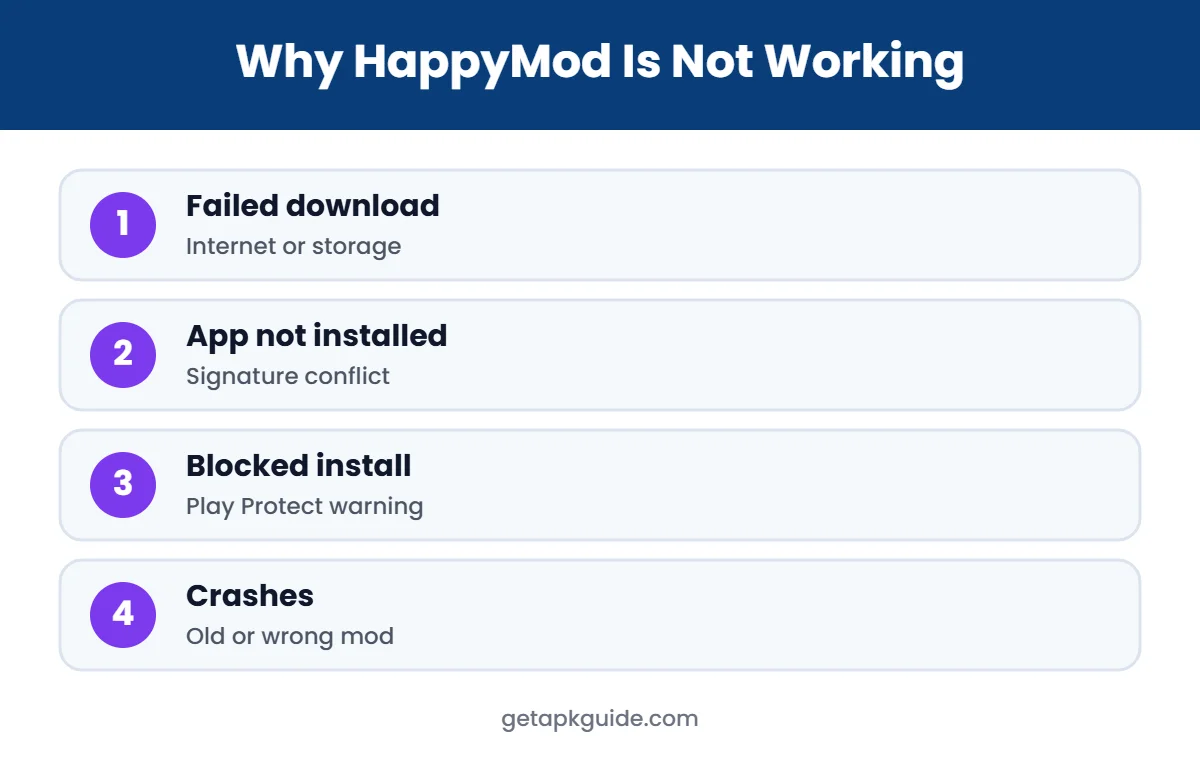
Why Is HappyMod Not Working? Common Causes
| Problem | Likely cause |
|---|---|
| HappyMod app will not open | Corrupted cache, outdated version or fake copy |
| Downloads fail or stay at 0% | Weak connection, server issues, storage full |
| “App not installed” | Signature conflict or incompatible APK |
| Install blocked | Play Protect or unknown sources setting |
| Game crashes on launch | Mod built for a different Android version or CPU |
| Mod features do not work | Online game checks or an old mod version |
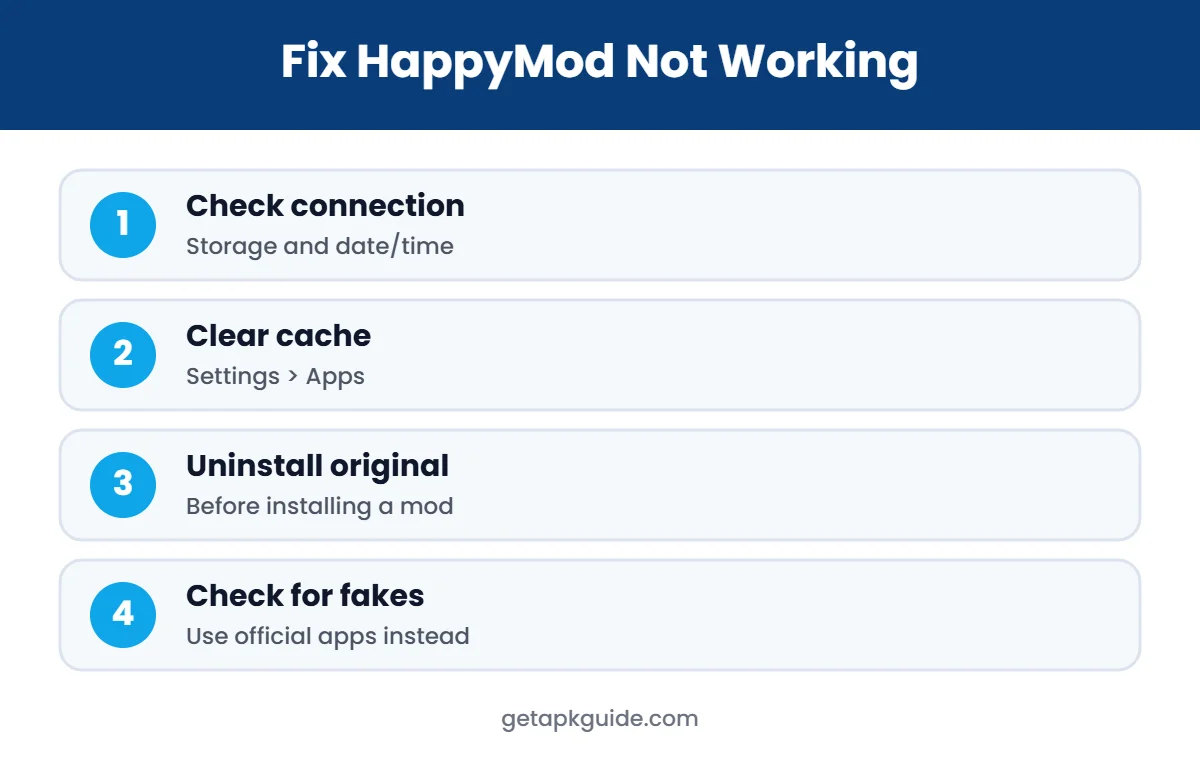
Fix 1: Check Internet, Storage and Date/Time
Many cases of HappyMod not working are simple. Downloads need a stable connection and free storage, and wrong date or time settings can break secure connections.
- Switch between Wi-Fi and mobile data.
- Turn off VPN or data saver for a moment and try again.
- Free up at least 1-2 GB of storage for large games.
- Set date and time to automatic in Settings.
Fix 2: Clear Cache When HappyMod Is Not Working
- Open Settings > Apps.
- Find HappyMod in the list.
- Tap Storage & cache.
- Tap Clear cache, open the app and test.
- If it still fails, tap Clear storage (this resets the app).
Clearing the cache fixes most cases where HappyMod is not working after an update or keeps showing a blank screen.
Fix 3: “App Not Installed” When Installing a Mod
This is the most common error behind “HappyMod not working”. Android refuses to install an APK when it is signed with a different key from the version already on your phone. A modded game is signed by the modder, not the original developer, so it cannot install over the official game.
- Back up your progress if the game supports cloud saves.
- Uninstall the original app, then try again.
- Make sure the APK fully downloaded (compare file size).
- Check that the mod supports your Android version.
More fixes are in our App not installed guide and problem parsing the package.
Fix 4: Play Protect or Security Settings Block HappyMod
Google Play Protect may warn about or block HappyMod and modded apps. That warning is a real signal: Play Protect flags apps it considers harmful or unverified. Turning Play Protect off to make HappyMod work removes an important layer of protection for your whole phone, so we do not recommend it. If you still choose to install third-party APKs, you must allow “Install unknown apps” for the browser or file manager you use, and turn it off afterwards. See Google Play Protect explained and install unknown apps.
Fix 5: HappyMod Not Working on Android 14, 15 or 16
If HappyMod is not working only after a system update, the Android version may be the reason. Newer Android versions block very old apps. Android 14 and later refuse to install apps that target very old Android versions, and they tighten background and permission rules. If an old mod or an old HappyMod build will not install or crashes, it may simply be too old for your phone. Our APK not installing on Android 14 guide explains this restriction.
Fix 6: HappyMod Not Working Because Games Crash
- Wrong CPU build: some mods only include 32-bit or 64-bit code.
- Missing OBB or split files: large games need extra data; see how to install XAPK and APKS files.
- Online checks: online games verify purchases on their servers, so “unlimited” mods often do nothing or get your account banned.
- Outdated mod: when the official game updates, old mods often stop working.
Fix 7: You May Have a Fake HappyMod
A fake copy is a common reason for HappyMod not working properly. Many websites copy the HappyMod name. A fake version may be full of ads, open redirect pages, or ask for unnecessary permissions. If your “HappyMod” asks for SMS, contacts, accessibility access or device admin rights, uninstall it immediately and scan your phone. Our APK safety check guide shows how to spot a fake. iPhone users should read HappyMod iOS: there is no official iPhone version.
Is HappyMod Down Right Now?
Sometimes HappyMod is not working for everyone because its servers or download mirrors are down. Signs include every download failing on both Wi-Fi and mobile data, and the same problem on a second device. In that case there is nothing to fix on your phone; wait a few hours. Avoid “mirror” sites that suddenly appear offering the same files, because outage periods are when fake copies spread.
HappyMod Not Working on Samsung, Xiaomi and Other Phones
Some phone brands add extra protection that can make HappyMod not working even when everything else looks fine. Samsung phones may block installs through Auto Blocker, a security feature that stops apps from unauthorised sources. Xiaomi, Redmi and POCO phones can show their own security scan and warnings before an APK installs, and some regions apply stricter rules. Oppo, Vivo and Realme phones may ask for account verification before installing apps from outside the store.
These features exist to protect you, so think twice before turning them off. If you decide to change them, do it only for a short time and switch them back on afterwards. Our APK installation errors guide lists the exact messages different brands show.
What Not to Do When HappyMod Is Not Working
- Do not download “fixed” HappyMod versions from random sites, video descriptions or chat groups.
- Do not grant accessibility, device admin or notification access to fix a download problem.
- Do not root your phone just to make a mod work; it weakens security for every app.
- Do not log in to important accounts (Google, banking, social media) inside modded apps.
- Do not ignore repeated Play Protect warnings about the same app.
If you already installed something suspicious, uninstall it, run a Play Protect scan and change passwords for any accounts you used in that app.
Why HappyMod Stops Working After Game Updates
A mod is tied to one specific version of a game. When the original developer releases an update, the game’s servers often expect the new version and refuse older clients. That is why HappyMod not working is so common right after a big game update: the mod still installs, but the game will not connect, or it forces an update that removes the mod. Waiting for a new mod means trusting another unknown file, which is why many players eventually return to the official version.
How to Report HappyMod Not Working Problems Safely
If HappyMod is not working and you want to know whether the problem is on your side, check the same thing on a second phone or ask in a trusted community, but never share your account details or upload private files. Google explains how Play Protect checks apps and what its warnings mean in Google Play Help. If Play Protect says an app is harmful, follow that advice and remove it.
When you ask for help, describe the exact error message, your phone model and your Android version. That makes it much easier to tell whether HappyMod not working is caused by your device settings, a broken mod or a server problem.
- Exact error text (for example “App not installed”).
- Phone brand, model and Android version.
- Whether the problem happens on Wi-Fi and mobile data.
- Whether you installed the original app first.
When to Stop: Better Options Than Fixing HappyMod
If HappyMod keeps not working, it may be a good moment to switch to safer options. If HappyMod not working has cost you hours, remember that most popular games are free on Google Play, often with free rewards, events and trials. Safer app stores and the official versions also receive security updates. Compare options in HappyMod alternatives and read HappyMod APK explained.
HappyMod Not Working: Quick Troubleshooting Checklist
- Restart your phone.
- Check internet, storage and date/time.
- Clear HappyMod cache.
- Uninstall the original app before installing a mod.
- Check Android version compatibility.
- Make sure your HappyMod is not a fake copy.
- If nothing works, use the official app instead.
FAQ: HappyMod Not Working
Why is HappyMod not working on my phone?
Usually because of a failed download, a security block, a signature conflict with an installed app, an incompatible mod or a fake HappyMod copy.
Why does HappyMod say “App not installed”?
The mod is signed with a different key than the app already installed. Uninstall the original app first, or keep using the official version.
Should I turn off Play Protect to make HappyMod work?
We do not recommend it. Play Protect protects your whole phone, and its warnings about modified apps are worth taking seriously.
Why do HappyMod mods not work in online games?
Online games check purchases and progress on their servers, so mod features often fail and accounts can be banned.
Does HappyMod work on iPhone?
No. HappyMod is Android-only and there is no official iOS version.