Remini for PC: How to Use It on Windows & Mac (No Download)
Want to use Remini for PC on a Windows laptop or a Mac? Many people search for a “Remini for PC download”, but there is an important fact to know first: Remini is made for phones and the web. There is no separate Windows or Mac program from its developer, Bending Spoons. This guide shows the official way to use Remini for PC through your browser, what you can and cannot do there, why “Remini PC download” sites are risky, and free desktop alternatives.
For the mobile app itself, see our Remini APK guide.
Is there an official Remini for PC app?
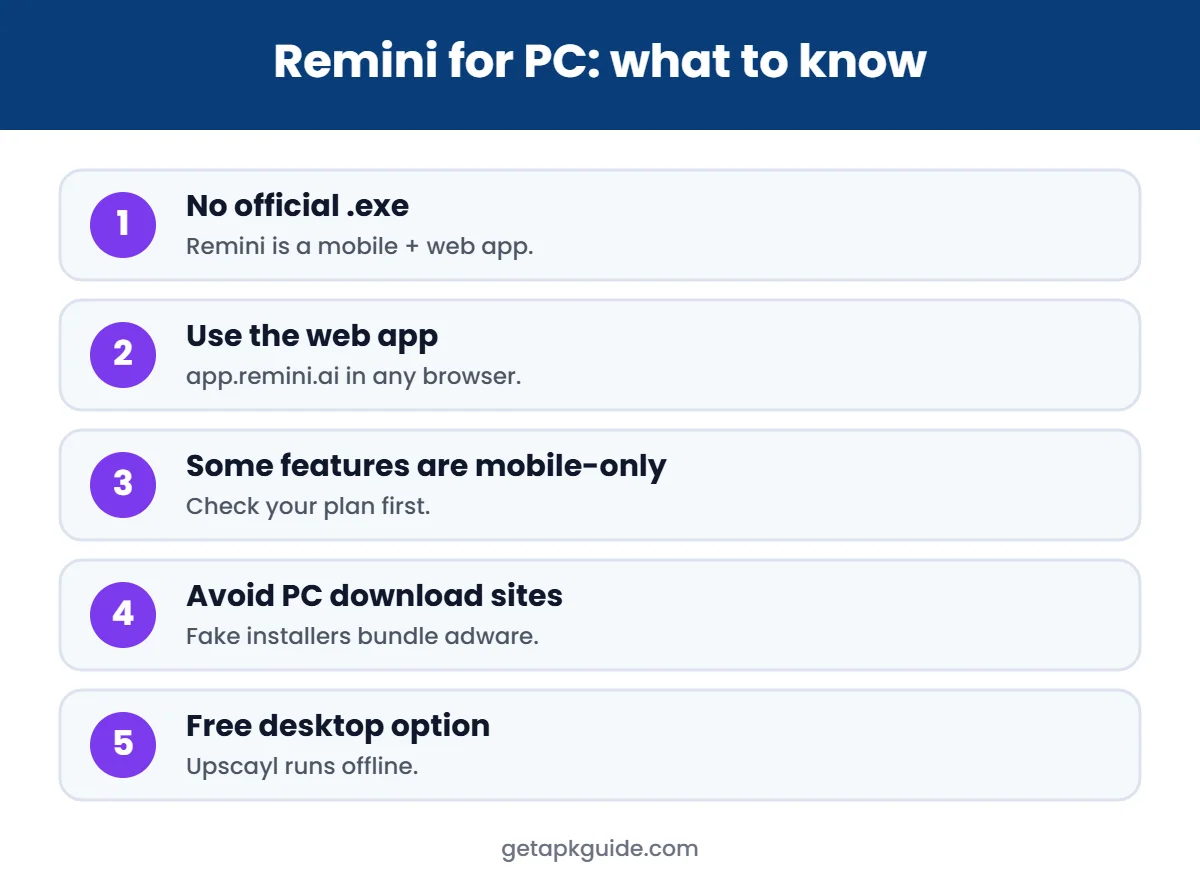
Remini is available as a mobile app for Android and iOS and as a web app in the browser. TechRadar’s overview of Remini lists the browser version at app.remini.ai and mentions no dedicated desktop program. So the official answer to Remini for PC is: use the web version.
Any website offering a Remini for PC .exe or “Remini desktop installer” is not from the developer. Treat those files as unsafe.
How to use Remini for PC in your browser
- Open Chrome, Edge, Firefox or Safari on your computer.
- Go to app.remini.ai (type it yourself rather than clicking ads).
- Sign in, or create an account with your email.
- Upload a photo from your computer.
- Choose the enhancement, wait for processing, then compare and download the result.
Because processing happens on Remini’s servers, Remini for PC in the browser works on Windows, macOS, Linux and Chromebooks without installing anything.
What the web version can and cannot do
TechRadar notes that the mobile apps have the most features and that some features are exclusive to mobile subscribers. Expect the free tier to have daily limits and watermarks on the web as well. Check the current plan details inside your account before paying.
Remini video enhancer on PC
Remini also offers AI video enhancement as a paid feature. Video processing has length and size limits that depend on your plan, and those limits change over time, so check them on Remini’s own pricing page before you subscribe. For long videos, a desktop tool may be more practical.

Why “Remini for PC download” sites are risky
- No official desktop file exists, so any .exe is made by someone else.
- Fake installers often bundle adware or unwanted browser extensions.
- “Remini Pro for PC free” offers are modified versions. Read Remini Mod APK risks to see why.
- Account phishing: fake sites may copy the Remini login page. Always check the address bar.
Using Remini for PC with an Android emulator
Some guides suggest running the Android app inside an emulator on Windows. This can work, but it is slower than the web version, needs a lot of RAM, and requires installing extra software. If you try it, install Remini only from Google Play inside the emulator, never from an APK site. For most people, the browser version is the simpler way to use Remini for PC.
Free alternatives to Remini for PC
| Tool | Platform | Cost | Best for |
|---|---|---|---|
| Remini web app | Any browser | Free tier + subscription | Face restoration |
| Upscayl | Windows, macOS, Linux | Free, open source | Upscaling, runs offline |
| Adobe Photoshop | Windows, macOS | Paid | Pro editing and restoration |
| GIMP | Windows, macOS, Linux | Free, open source | Manual retouching |
Upscayl runs on your own computer, so photos are not uploaded anywhere. See our full list of Remini alternatives for more options.

FAQ
Can I download Remini for PC for free?
There is no official desktop download. Use the free tier of the web version at app.remini.ai instead of downloading unknown files.
Is Remini for PC the same as the mobile app?
The core enhancement is the same, but the mobile apps have the most features. Some features may be mobile-only.
Does Remini for PC work on Mac?
Yes. The web version works in any modern browser, including Safari on macOS.
Is the Remini web version safe?
The official web app is run by Bending Spoons. Photos are processed on its servers, so read the privacy policy and avoid uploading sensitive images.