APK Installer for Android: Which One to Use (and Which to Avoid)
Searching for an APK installer? Good news: every Android phone already has one. The built-in Package Installer handles normal .apk files without any extra app. You only need a separate APK installer for special formats such as split APK bundles (.xapk, .apks, .apkm). This guide explains which APK installer to use for each file type, how to use them safely, and which “installer” apps to avoid.
As always, the safest option is Google Play. If the app is there, you do not need any APK installer at all.
The built-in APK installer: Android Package Installer
Android includes a system app called Package Installer. When you tap an .apk file in your Files app or browser downloads, Android opens this APK installer automatically and shows the app name and an Install button.
- Download the .apk from the developer’s official page.
- Open the Files app and tap the file.
- If asked, allow Install unknown apps for that app only. See where to find this setting.
- Tap Install, then turn the permission off again.
For a single .apk, this built-in installer is all you need. Third-party “installer” apps add nothing for normal files and only add permissions you have to trust.
When you need a different APK installer
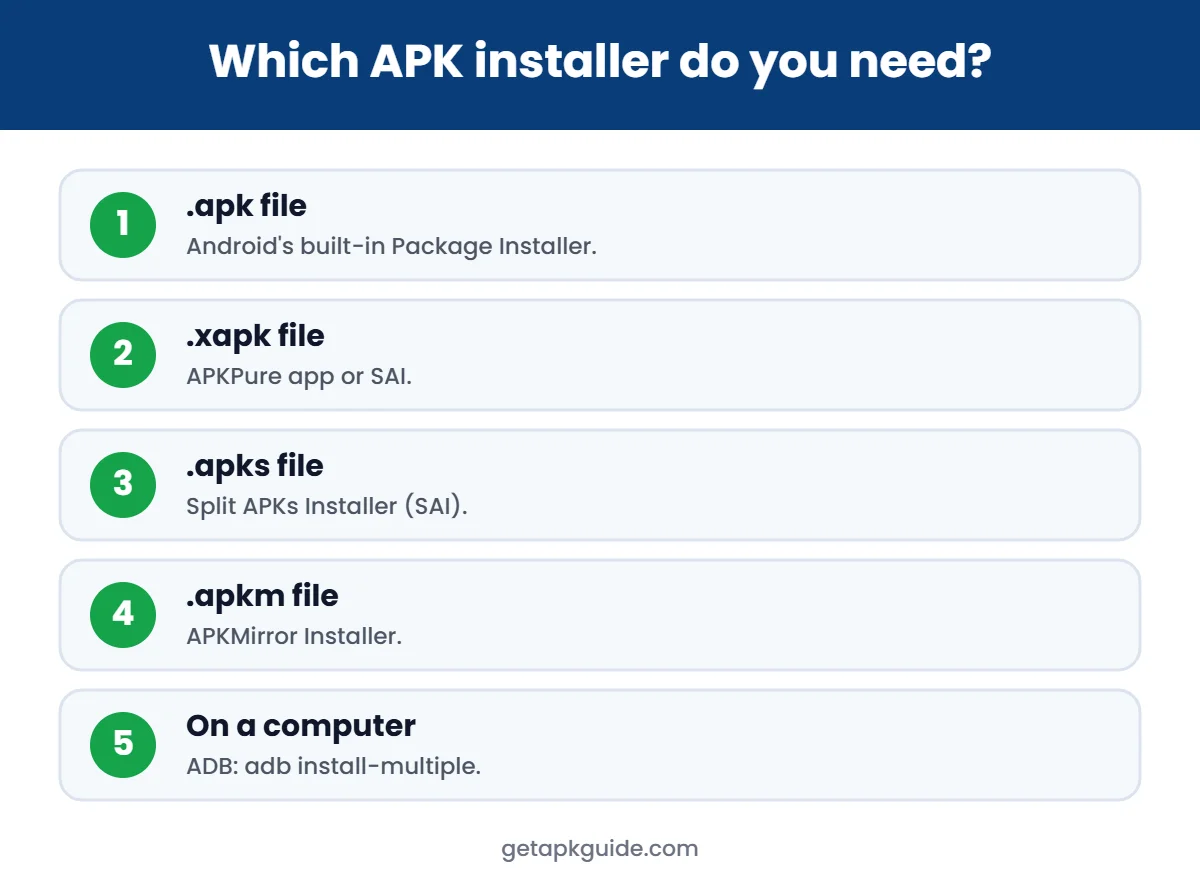
Many modern apps are published as Android App Bundles. Outside Google Play they are often shared as split APK sets that the built-in installer cannot read in one go:
| File type | Best APK installer | Notes |
|---|---|---|
| .apk | Android Package Installer (built in) | No extra app needed |
| .xapk | APKPure app or SAI | Archive with APK(s) + OBB. See our XAPK guide |
| .apks | Split APKs Installer (SAI) | Open-source, published on GitHub |
| .apkm | APKMirror Installer | APKMirror’s own installer for its bundles |
| Several .apk splits | ADB on a computer | adb install-multiple |
Split APK installer: SAI (Split APKs Installer)
SAI is an open-source installer made for split APK sets. It can install .apks files and folders of split APKs. Because its code is public (GPL v3), it is a more transparent choice than closed “installer” apps from unknown developers. Note that its developer has said active development has largely stopped, with only occasional bug fixes, so check that it still works on your Android version.
APKMirror Installer
APKMirror publishes its own installer for the .apkm bundles on its site. The APKMirror FAQ says uploads are verified and must match the original app’s signatures, and that it does not host paid apps.
APKPure app (for .xapk)
The APKPure store app can install its own .xapk files. Keep in mind that APKPure’s store app had a malware incident in 2021 that was fixed in the next version. Read Is APKPure safe? before installing it.
Using ADB as an APK installer on a computer
If you are comfortable with a command line, Android’s Android Debug Bridge (ADB) works as an installer from a Windows, Mac or Linux computer:
adb install app.apk
adb install-multiple base.apk split_config.arm64_v8a.apk split_config.en.apk
You need to enable Developer options and USB debugging on the phone first. Turn USB debugging off again when you are done.
APK extractor: back up apps you already have
An APK extractor does the opposite of an installer: it saves the APK of an app that is already installed on your phone. This is useful when you want to keep a copy of a version that works well, or move an app you own to another of your own devices.
Vadhod APK Extractor is an open-source example on F-Droid. It works offline, needs Android 10 or newer, and can export split apps either as the base APK or as a single reinstallable .apks file. You can then install that .apks file with a split APK installer such as SAI.
- Extract only apps you have the right to use. Sharing paid apps with others breaks their terms and copyright.
- An extracted APK keeps the original developer signature, so it can update normally from the same source later.
- Store backups in a private folder; APK files can contain app data paths and version details.
Split APK installer checklist
- Find out the file type first: .apk is a single file, while .apks, .xapk and .apkm are bundles.
- Use the matching installer: SAI for .apks, the APKMirror Installer for .apkm, or ADB with
adb install-multiple. - Make sure all splits come from the same version and the same source.
- If the install fails, see our parsing error guide and XAPK install guide.
APK installer apps to avoid
Search any app store for “APK installer” and you will find many apps with that name. Be careful:
- Apps that only open the built-in installer add ads and permissions without adding features.
- “Signature killer” or “APK fixer” apps try to bypass Android security checks.
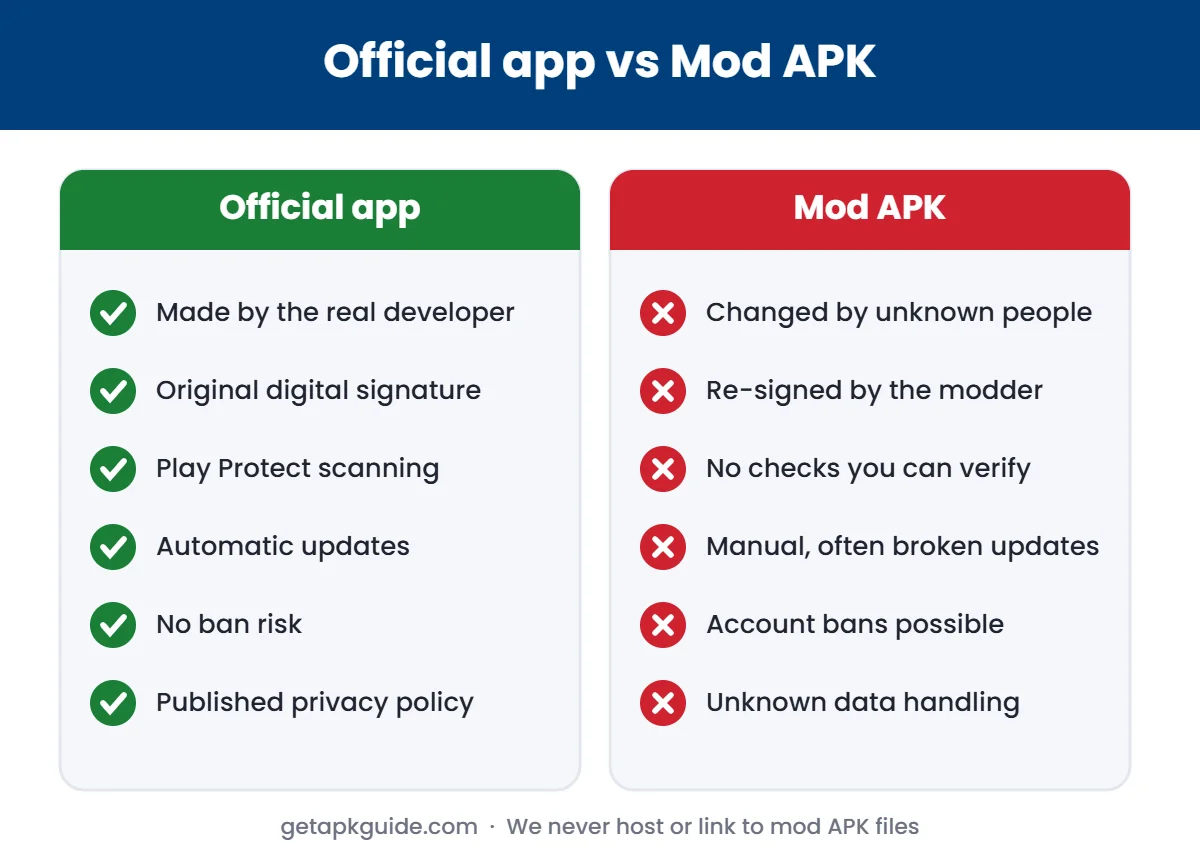
- Installers bundled with mod stores often come with modified apps. See Is HappyMod safe?.
- Any installer asking for accessibility access without a clear reason.
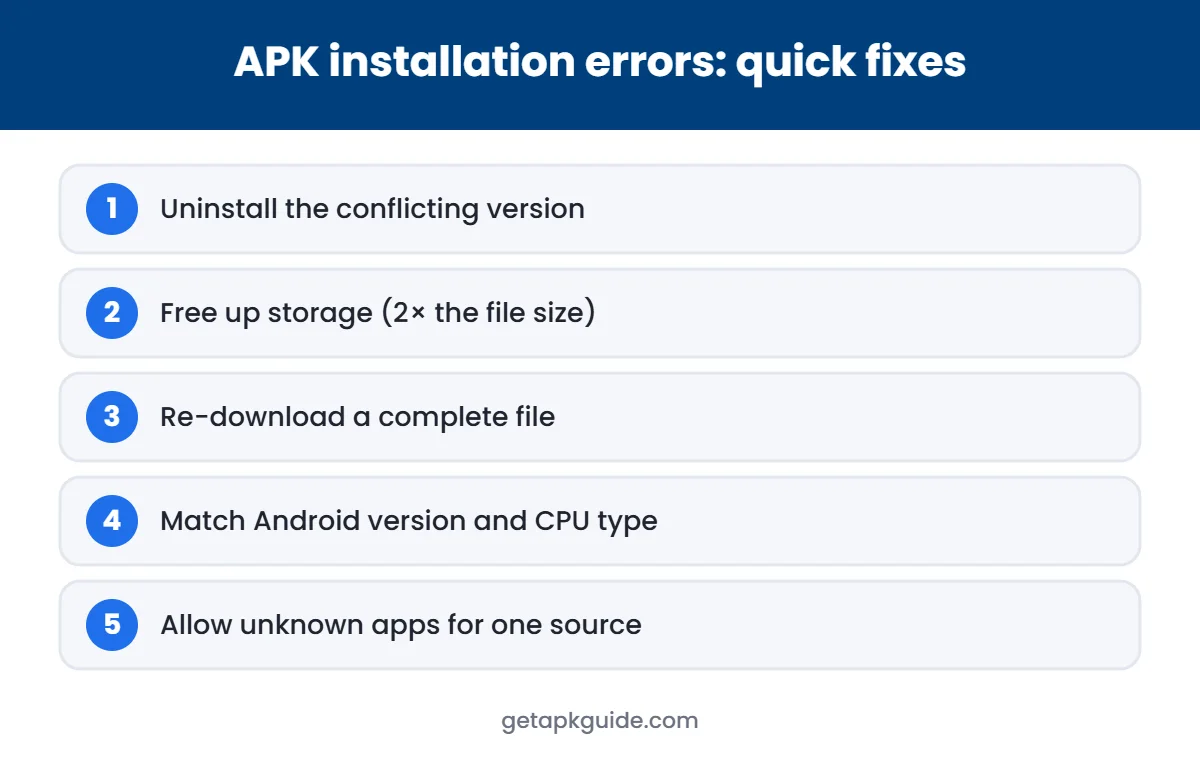
APK installer not working? Quick fixes
- “App not installed”: usually a signature conflict or older version. See our App not installed guide.
- “There was a problem parsing the package”: the file is broken or a split bundle. See parsing error fixes.
- Blocked by Play Protect: read our Google Play Protect guide before going further.
- Samsung phones: Auto Blocker can block installs until you turn it off.
FAQ
Do I need an APK installer app?
Not for normal .apk files. Android’s built-in Package Installer handles them. You only need another installer for split bundles like .xapk, .apks or .apkm.
Which APK installer is safest?
The built-in Android installer. For split bundles, prefer open-source tools such as SAI or the installer from the site that made the bundle.
Can an APK installer install paid apps for free?
No legitimate installer does that. Apps that promise free premium versions are usually modded and risky.
Why does my APK installer say “blocked by Play Protect”?
Play Protect recognises the file as risky or unknown. Stop and find an official source instead of forcing the install.
Related: after installing, play your files with VLC for Android.
Compare: which source is safest? See APKPure vs APKMirror vs Google Play.