Remini for iPhone: How to Download, Use & Cancel Pro (2026)
Want Remini for iPhone? Remini, the popular AI photo enhancer, is officially available for iPhone and iPad on the Apple App Store. This 2026 guide shows how to download it safely, what you get for free, how Remini Pro works on iOS, how to cancel a subscription on iPhone, and why “Remini mod” or IPA downloads are a bad idea.
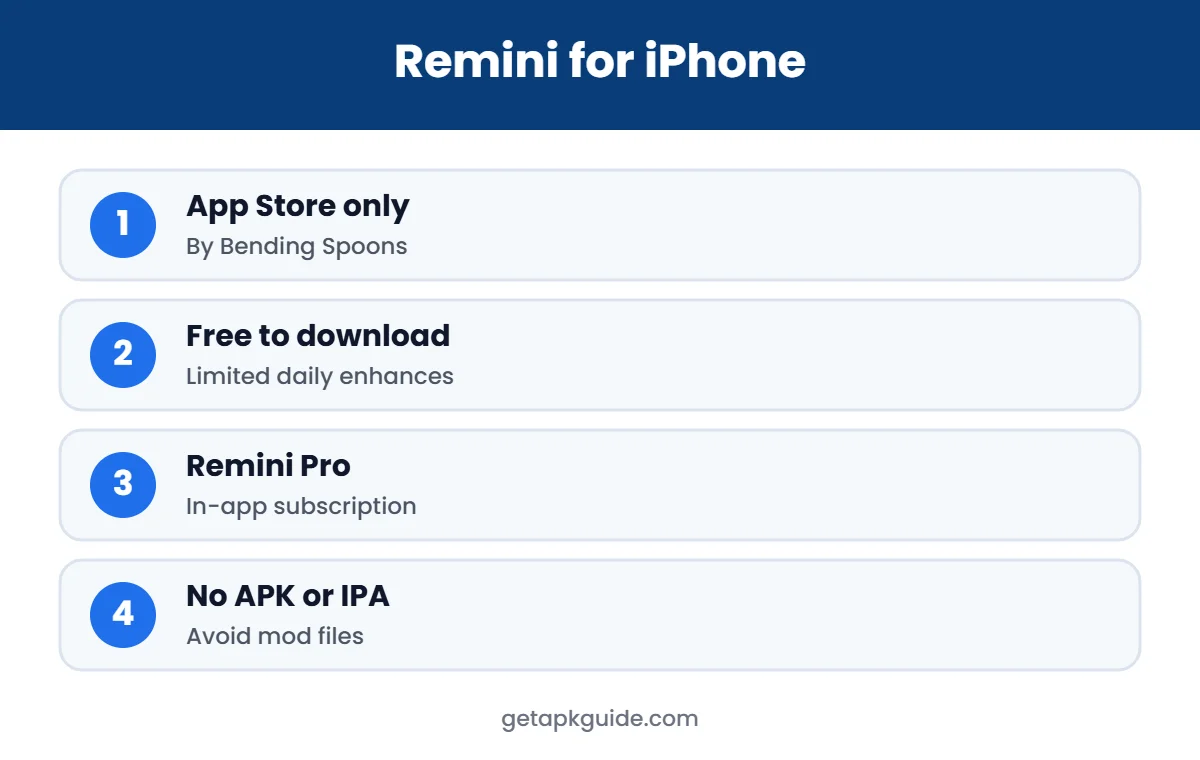
Quick answer: search “Remini” in the App Store and install Remini – AI Photo Enhancer by Bending Spoons. It is free to download, with optional in-app purchases for Remini Pro. You do not need any APK or IPA file.
Official Remini download (safe and free to install)
- Android: Remini on Google Play
- iPhone / iPad: Remini on the App Store
- PC / browser: remini.ai (official website)
These are the only official sources. Pro features are unlocked inside the official app, often with a free trial.
What You Can Do With Remini for iPhone
Remini for iPhone is best known for making blurry faces sharp, but it does more than that. People use it to:
- Restore scanned family photos with scratches, fading and low resolution.
- Fix selfies that came out soft because of low light or movement.
- Add color to black-and-white pictures of grandparents and old events.
- Improve product photos for small online shops.
- Upscale old phone pictures before printing them.
Because processing happens on Remini’s servers, even older iPhones can produce high-quality results, as long as they have a stable internet connection. That makes Remini for iPhone a practical tool for anyone with a box of old photos and a phone, without needing a computer or professional editing skills.
Results are not always perfect. AI can sometimes change small facial details or add texture that was not there. Always compare the result with the original, especially for important family photos, and keep the original file safe.
How to Download Remini for iPhone
- Open the App Store on your iPhone or iPad.
- Tap Search and type Remini.
- Choose Remini – AI Photo Enhancer, and check that the developer is Bending Spoons.
- Tap Get, then confirm with Face ID, Touch ID or your Apple ID password.
- Open the app and allow photo access when asked.
You can also open the official listing directly: Remini on the App Store. Check the “Compatibility” section on the listing to see which iOS version your device needs.
A note on storage: enhanced photos are saved as new files, so your Photos library grows each time you save a result. If your iPhone is low on space, delete results you do not need, or turn on iCloud Photos to keep originals in the cloud. This also makes the app run more smoothly, because Remini needs some free space to download and save results.
Remini for iPhone vs Android: Any Difference?
Remini for iPhone and the Android app offer the same core tools: Enhance, Colorize, old photo restoration and, with Pro, video enhancement. The main differences are where you buy and manage Pro, and how photo permissions work.
| Point | Remini for iPhone | Remini on Android |
|---|---|---|
| Where to install | App Store | Google Play |
| Subscription billing | Apple ID | Google Play account |
| Photo access | Full or limited library access | Media permission |
| Sideloading | Not possible without risky tools | Possible, but not recommended |
| Web option | remini.ai | remini.ai |
If you switch from Android to iPhone, a Pro subscription bought on Google Play does not move to Apple automatically. Cancel it on Google Play and subscribe again on iPhone if you want Pro there.
Why You Should Not Use APK or IPA Files on iPhone
APK files are for Android and cannot be installed on an iPhone at all. Some websites offer “Remini Pro IPA” or “Remini mod for iOS” files instead. Installing those requires sideloading tools or untrusted certificates, which can expose your Apple ID and data. Apple can also revoke those certificates at any time, so the app simply stops opening. The official App Store version is the only safe way to get Remini for iPhone, and it updates automatically.
Remini subscriptions are tied to your Apple ID, so check Family Sharing settings if several family members use the same account.
Remini for iPhone: Free vs Pro
| Feature | Free | Remini Pro |
|---|---|---|
| Enhance photos | Yes, limited per day | More enhances |
| Ads | Yes | Removed |
| Old photo restore and colorize | Limited | Yes |
| Video enhance | Usually Pro only | Yes |
| Price | Free | In-app subscription (varies by country) |
Prices are shown in your local currency on the subscription screen and on Apple’s purchase sheet. For a deeper look at plans and free trials, read our Remini Pro guide.

How to Use Remini for iPhone Step by Step
- Open Remini and tap Enhance (or another tool, such as Colorize).
- Select a photo from your library.
- Wait while Remini processes it on its servers.
- Compare before and after with the slider.
- Tap Save to store the result in your Photos app.
For best results, start with the clearest copy of the photo you have, and avoid running the same photo through enhancement many times; it can make faces look artificial.
Privacy Tips for Remini on iPhone
- iOS lets you give Remini access to selected photos only. Use that option if you only want to enhance a few pictures.
- Remini uploads photos to its servers for processing; avoid uploading ID cards, documents or very private images.
- Review Remini’s privacy policy inside the app before using AI photo or avatar features that need many selfies.
- You can remove Remini’s photo access at any time in Settings, Privacy & Security, Photos.
These simple steps keep Remini for iPhone useful without giving the app more access than it needs.
Is Remini Pro Worth It on iPhone?
If you only fix a few photos each week, the free version of Remini for iPhone may be enough, even with ads and daily limits. Pro is worth considering if you restore many old family photos, edit for social media every day, or need video enhancement. Start with a free trial if one is offered, set a reminder a day before it ends, and cancel through Settings if you decide not to continue.
If price matters most, compare Remini with the options in our Remini alternatives guide. Some free tools on iPhone handle simple sharpening well, while Remini is stronger on faces and old photos.
How to Cancel Remini Pro on iPhone
- Open the Settings app and tap your name at the top.
- Tap Subscriptions.
- Select Remini.
- Tap Cancel Subscription and confirm.
Deleting the app does not cancel the subscription. You keep Pro until the end of the period you already paid for. For refunds, Apple handles requests through its own report-a-problem process.
Tips for Better Results With Remini for iPhone
- Use the original photo from your camera roll, not a screenshot or a photo already compressed by a chat app.
- Crop the image so the face is clearly visible before enhancing.
- For group photos, enhance the full image first, then compare faces one by one.
- Save results as new copies so you always keep the original.
- If a result looks too smooth, try the other enhancement models offered in the app.
Remini for iPhone Not Working? Quick Fixes
- Stuck on processing: check your internet connection; Remini needs to be online.
- Cannot save photos: allow full photo access in Settings, Privacy & Security, Photos, Remini.
- Pro not showing after purchase: use Restore Purchases in the app with the same Apple ID.
- App crashes: update Remini and iOS, then restart the iPhone.
- App not in the App Store: it may not be offered in your region; check your Apple ID country.
Final Checklist for Remini for iPhone
Before you start, make sure you have the official app from the App Store, your iOS is up to date, and you know whether you want to stay on the free plan or try Pro. Decide how much photo access to give Remini, and keep the original copies of any photo you enhance. If you take a free trial, set a reminder for the day before it ends, and remember that cancelling happens in Settings, not by deleting the app.
Following this checklist, Remini for iPhone is a simple and safe way to restore old pictures and improve everyday photos. If you also use an Android phone or a computer, see our Remini APK guide and Remini for PC guide for the official options on those devices.
FAQ: Remini for iPhone
Is Remini free on iPhone?
Yes. Remini is free to download on the App Store and includes limited free enhances. Remini Pro is an optional in-app subscription.
Is Remini safe on iPhone?
The official App Store version from Bending Spoons is reviewed by Apple. Avoid IPA or “mod” versions from other sites.
Can I use Remini on iPad?
Yes. The same App Store app works on iPhone and iPad.
Can I install Remini APK on iPhone?
No. APK files only work on Android. Use the App Store version on iPhone.
How do I cancel Remini on iPhone?
Go to Settings, tap your name, then Subscriptions, Remini, and Cancel Subscription.