GB WhatsApp APK: 7 Real Risks Before You Install (2026)
GB WhatsApp APK is one of the most searched WhatsApp “mods” on Android. People want it for extra themes, hidden blue ticks, anti-delete messages and bigger file limits. Before you install anything, you should know what you are actually trading for those features. This guide explains seven real, documented risks, shows what the official app now does for free, and lists legal alternatives. We do not link to any GB WhatsApp APK download, and we never will.
Quick answer: GB WhatsApp is not made or approved by WhatsApp. It is a modified copy of the app that you must sideload from third-party websites. WhatsApp has temporarily banned accounts that use unofficial clients, and security firms have found malware inside copies of WhatsApp mods. If your chats matter to you, the official WhatsApp app is the safer choice.
What Is GB WhatsApp APK?
GB WhatsApp APK is an unofficial, modified build of WhatsApp for Android. Unknown developers take the official app, change its code, add extra options and re-sign it with their own key. Because Google Play does not list it, users download the APK file from random websites and install it with the “install unknown apps” permission. If you are new to sideloading, read our guide on the install unknown apps setting to understand what that permission really allows.
The important point is simple: nobody can verify who built the file you download. Two websites can offer a file with the same name and version number, and the code inside can be completely different.
7 Real Risks of GB WhatsApp APK
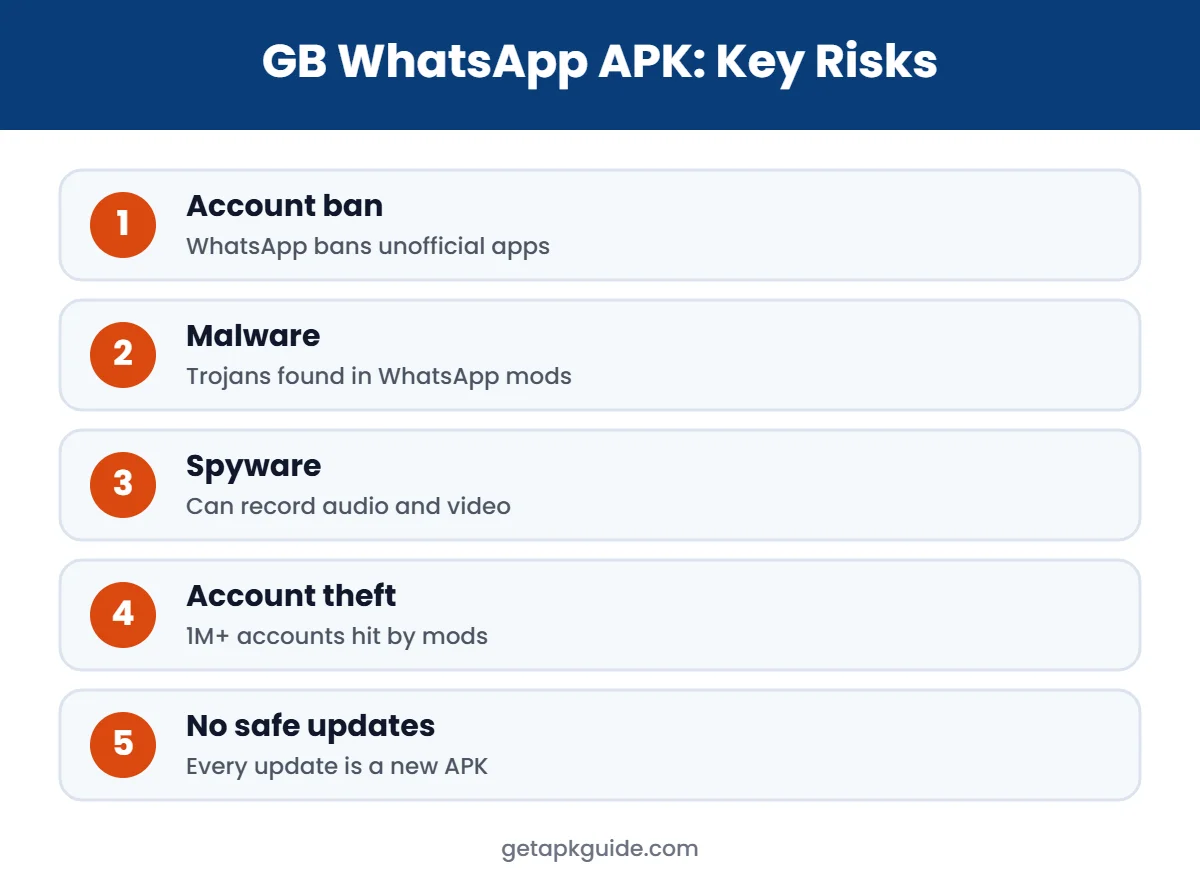
1. Your WhatsApp Account Can Be Banned
In March 2019 WhatsApp began temporarily banning users of unofficial apps such as GB WhatsApp and WhatsApp Plus, and told them to move to the official app (The Quint report). WhatsApp said it cannot verify the security practices of these apps. Repeated use can lead to longer suspensions, and you may lose access to the number you use for family, work and banking OTPs.
2. Malware Hidden Inside WhatsApp Mods
This risk is not theory. In October 2022, Kaspersky reported that a version of YoWhatsApp, another WhatsApp mod, carried the Triada trojan. It could steal the keys used to access a WhatsApp account and quietly sign victims up for paid subscriptions (The Hacker News). A year earlier, Triada had been spread through FMWhatsApp. GB WhatsApp APK copies come from the same kind of unofficial sources, so the same danger applies.
3. Spyware That Can Record Audio and Video
ESET’s T2 2022 threat report linked GB WhatsApp to a large share of Android spyware detections and warned that versions on download sites are “riddled with malware”. The spyware it described could secretly record audio and video (ESET press release).
4. Account Theft and Spam From Your Number
In October 2022, Meta sued developers behind HeyMods, Highlight Mobi and HeyWhatsApp. Meta said their modified apps collected login details and compromised more than one million WhatsApp accounts, which were then used to send spam (Bitdefender summary). A stolen account can message every contact you have.
5. No Trusted Security Updates
The official app gets security fixes through Google Play. A GB WhatsApp APK only updates when its anonymous developer decides to release a new file, and every update means downloading another unverified APK. Old builds also stop working when WhatsApp changes its servers, which pushes users to grab whatever new file appears first.
6. Your Chats and Media Are Not Protected the Same Way
WhatsApp promotes end-to-end encryption, but that promise depends on the app on your phone. A modified client sees your messages before they are encrypted and after they are decrypted. If the mod is malicious, it can read, copy or upload chats, photos and contacts. Mods also ask for broad permissions such as SMS access, which official WhatsApp does not need for normal chatting.
7. Backup and Data Loss Problems
GB WhatsApp APK cannot use Google Drive backup in the normal, supported way. Many users only discover this after a ban or a broken update, when their chat history is stuck in a local folder. Moving back to the official app often means losing media or older conversations.
Why People Still Search for GB WhatsApp APK
Most users are not looking for trouble. They want more control: custom themes, hiding that they are typing, saving status videos, sending large videos without compression, or keeping deleted messages visible. These wishes are understandable. The problem is that every one of these features is delivered by code you cannot inspect, from a developer you cannot contact, inside the app that holds your most personal conversations.
It also helps to remember what WhatsApp is linked to: your phone number, your contacts, family groups, work chats and often one-time passwords for other services. Losing that account, even for a few days, costs much more than a missing theme.
Warning Signs Your Phone May Be Infected
If you have already installed a GB WhatsApp APK or another mod, watch for these signs:
- Unknown paid subscriptions or SMS charges on your mobile bill.
- Contacts telling you they received strange messages or links from you.
- Battery draining fast and the phone getting warm while idle.
- Pop-up ads appearing outside of apps.
- WhatsApp logging you out and asking for a code you did not request.
If you notice any of these, uninstall the mod, run Google Play Protect, change important passwords, and turn on two-step verification in official WhatsApp under Settings, Account.
GB WhatsApp vs Official WhatsApp
| Point | GB WhatsApp APK | Official WhatsApp |
|---|---|---|
| Developer | Unknown third parties | WhatsApp (Meta) |
| Where to get it | Random APK sites | Google Play / whatsapp.com |
| Account ban risk | Yes, documented | No |
| Security updates | Irregular, unverified | Regular via Play Store |
| Google Drive backup | Not supported normally | Supported |
| Price | Free, but data risk | Free |
Features You Can Now Get in Official WhatsApp
Many reasons people install GB WhatsApp APK no longer apply, because the official app has added similar features over the last few years:
- Hide online status and last seen from chosen contacts (Privacy settings).
- Turn off read receipts so blue ticks do not show.
- Edit sent messages for a short time after sending.
- Chat Lock to hide private chats behind your fingerprint or PIN.
- Two accounts on one Android phone, using the official “Add account” option.
- View once and disappearing messages for extra privacy.
- Silence unknown callers to stop spam calls.
These options are inside the official app, so you get them without risking your number.
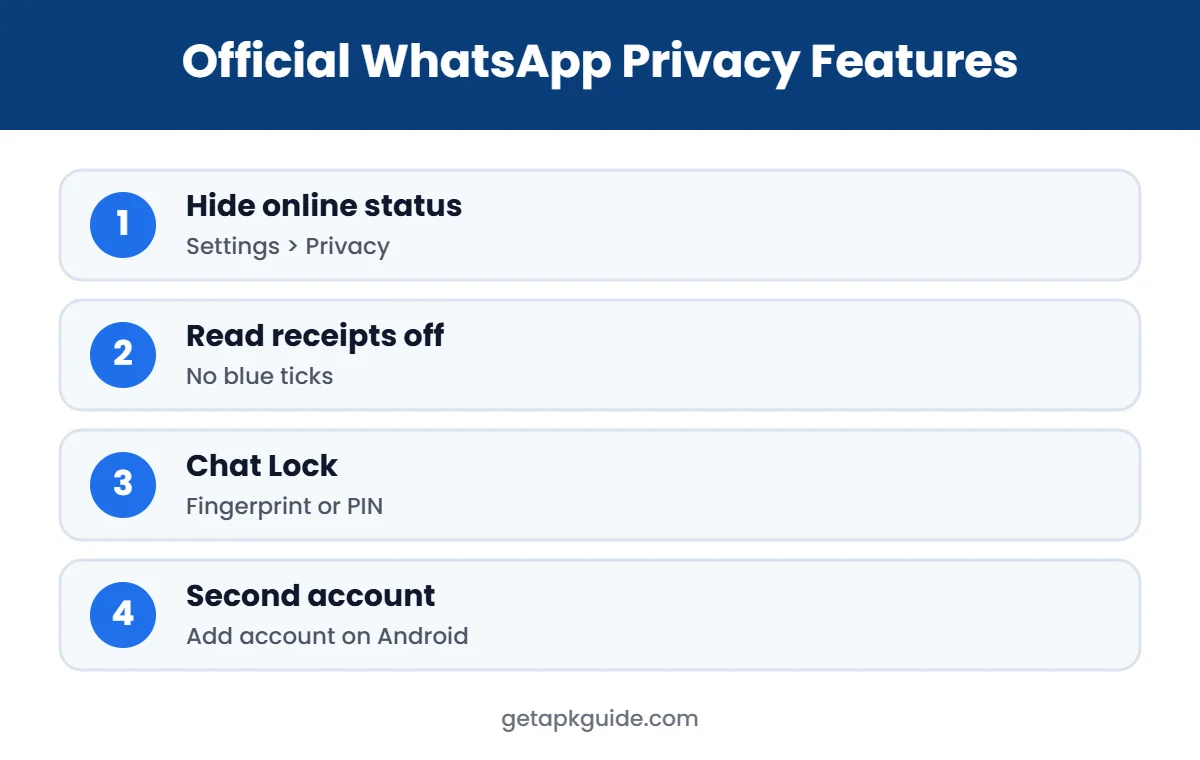
To turn these on, open WhatsApp, tap the three-dot menu, then Settings and Privacy. From there you can choose who sees your last seen, online status, profile photo and about text. Chat Lock is inside each chat’s info screen, and the second account option is under Settings, next to your profile name. None of these require root, sideloading or a separate APK, and they keep working after every official update.
Legal Alternatives to GB WhatsApp APK
- Official WhatsApp: get it only from Google Play or whatsapp.com/download.
- WhatsApp Business: official and free, adds away messages, quick replies and a second number on the same phone.
- Telegram: official app with large file sharing, themes and cloud chats.
- Signal: open-source, privacy-first messenger with disappearing messages.
How to Move From GB WhatsApp to Official WhatsApp
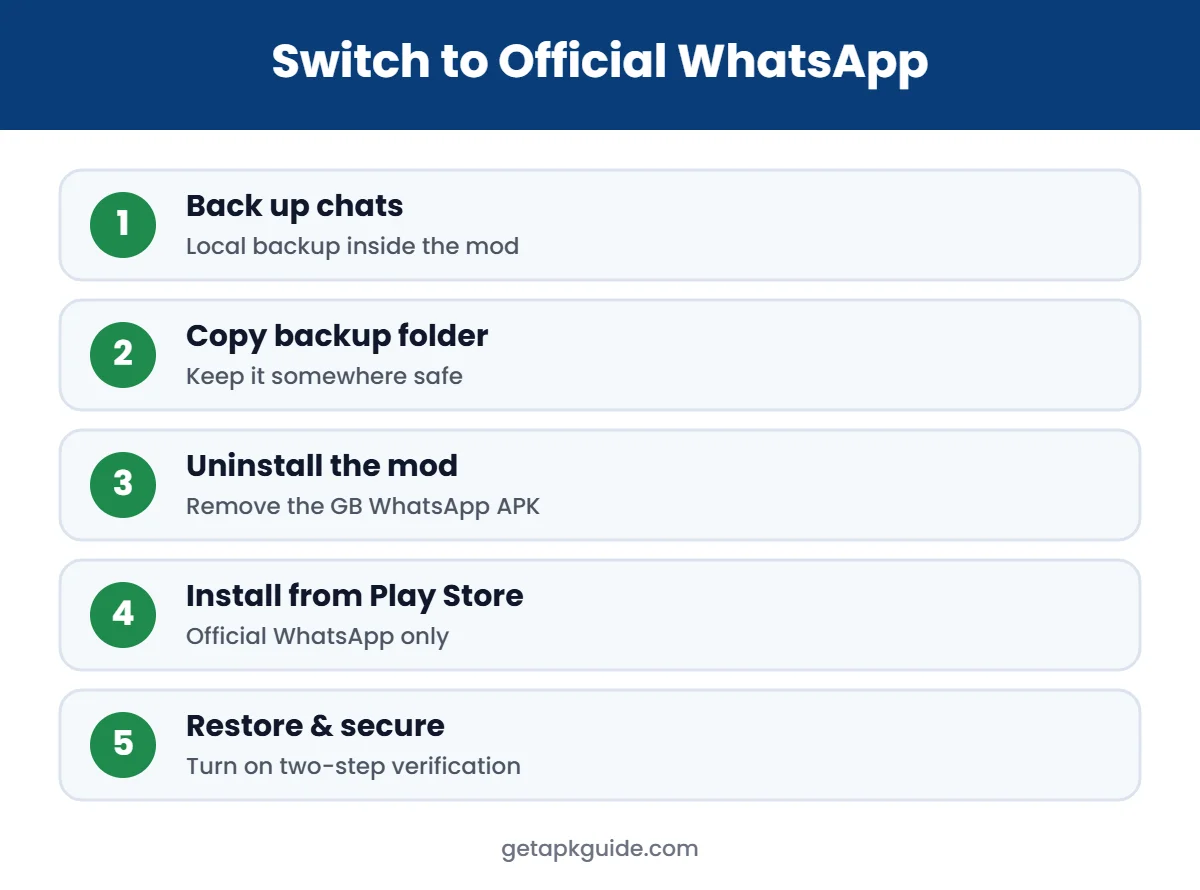
- Inside GB WhatsApp, open Chats and create a local chat backup.
- Use your file manager to copy the backup folder to a safe place (see our file manager guide).
- Uninstall the GB WhatsApp APK.
- Install official WhatsApp from Google Play.
- Verify your number and restore the backup if the app finds it.
- Go to Settings, Privacy, and set up the official privacy options listed above.
If an old APK is still on your phone, delete it. For general sideloading safety, read how to install APK files safely and our APKPure safety review.
Switching takes about ten minutes. Do it on Wi-Fi with a charged battery, and do not delete the backup folder until you have confirmed that your chats appear in the official app. If restore fails, your backup may be in a format the official app cannot read, which is another reason to leave mods early rather than later.
Remember that “latest version” claims on APK sites do not prove anything about safety. A newer number on a file name does not mean the code was reviewed. When a site offers a GB WhatsApp APK download with no named developer, no changelog you can verify and no signature you can compare, treat it as untrusted. The same rule applies to WhatsApp Plus, FM WhatsApp, YoWhatsApp and similar mods.
Our Verdict
GB WhatsApp APK offers some attractive extras, but the documented history of bans, trojans, spyware and stolen accounts makes it a poor trade. The official app already covers most popular features, and it protects the account you depend on every day. Our advice: skip the mod and use official WhatsApp or WhatsApp Business.
FAQ About GB WhatsApp APK
Is GB WhatsApp APK safe to use?
No one can verify it. It is not made by WhatsApp, it comes from unofficial sites, and security researchers have found malware in WhatsApp mods. We cannot call any copy safe.
Can WhatsApp ban me for using GB WhatsApp?
Yes. WhatsApp has temporarily banned accounts using unofficial apps since 2019 and asks users to switch to the official app.
Is GB WhatsApp legal?
It breaks WhatsApp’s terms of service because it is an unauthorized modified client. Laws differ by country, but using it puts your account at risk everywhere.
Can I use two WhatsApp accounts without GB WhatsApp?
Yes. Official WhatsApp on Android supports adding a second account, and you can also use WhatsApp Business with another number.
Will I lose my chats if I switch back?
You may lose some data. Make a local backup in GB WhatsApp first, keep the backup folder, then install the official app and restore it.