There Was a Problem Parsing the Package: 6 Fixes (2026)
You tap an APK file and Android shows “There was a problem parsing the package”. The app does not install, and the message does not say why. This error means Android could not read the file as a valid app for your phone. Below are the real causes, in the order they usually happen, and a fix for each one.
Before you start: if the app is on Google Play, install it from there instead. It avoids this error completely. For other install problems, see our full APK installation errors guide.
What “problem parsing the package” means
An APK is a compressed package with the app’s code, resources and a manifest that describes it. “Parsing” is Android reading that package. When the file is damaged, incomplete, made for a newer Android version, or not a normal single APK, the parser fails and shows this message.
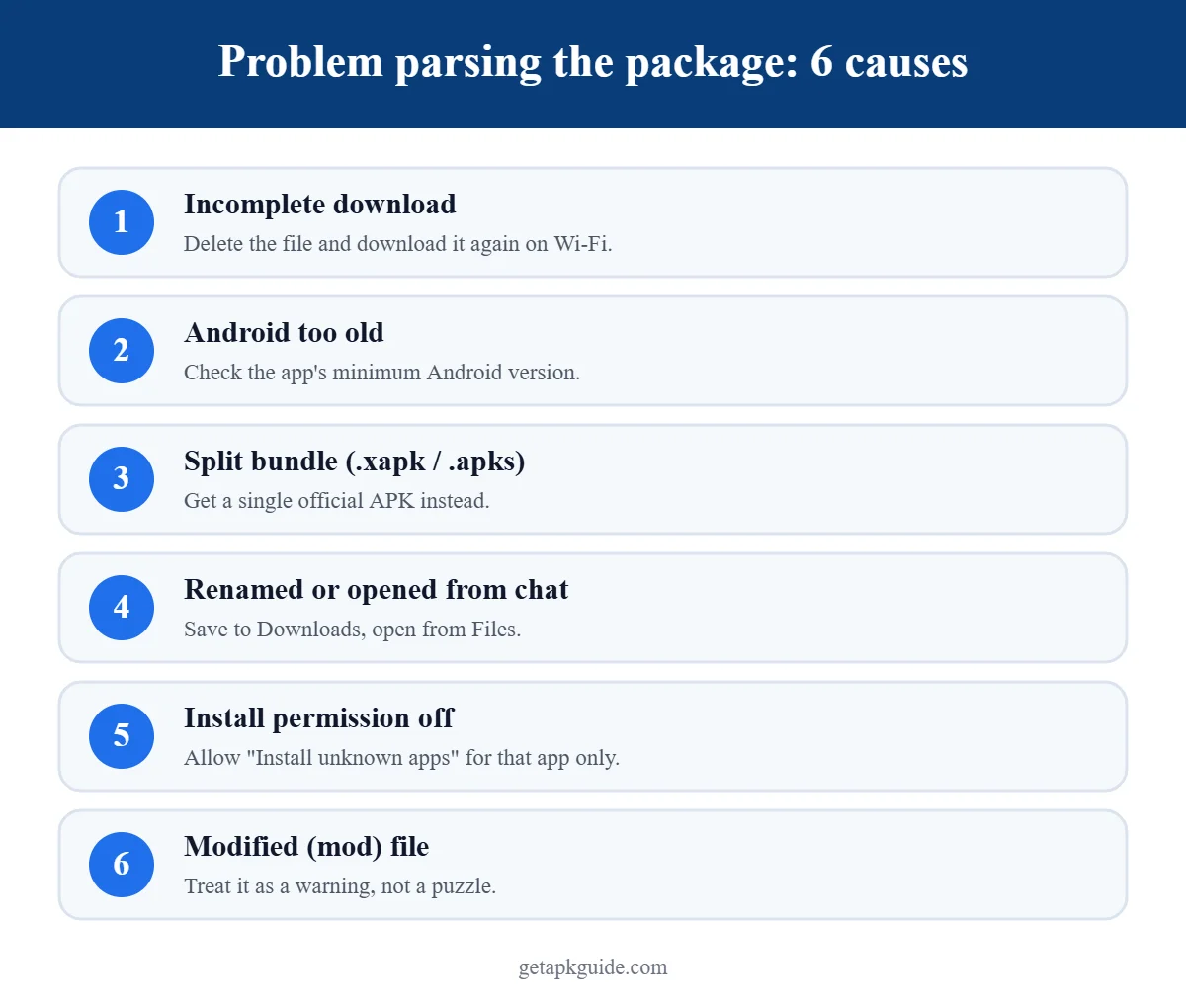
Cause 1: the download is incomplete or corrupted
This is the most common cause of the problem parsing the package error. A weak connection, a paused download or a browser that saved only part of the file all produce a broken APK.
Fix:
- Delete the old file from your Downloads folder.
- Download it again on a stable Wi-Fi connection, from the developer’s official page.
- Compare the file size with the size shown on the download page. If the developer publishes a SHA-256 checksum, compare that too.
Cause 2: your Android version is too old
Every app sets a minimum Android version (its “minSdkVersion”). If your phone runs an older version, Android may refuse to read it and you will see the problem parsing the package message.
Fix:
- Check your version in Settings → About phone → Software information → Android version.
- Check the app’s requirement on its official listing (“Requires Android …”).
- Install any available system update in Settings → System → Software update.
- If no update exists, use an older official version from the developer, or an alternative app that supports your phone.
Cause 3: it is a split app bundle, not a single APK
Many modern apps are published as Android App Bundles. When they are shared outside Google Play they often come as .xapk, .apks or .apkm files, which contain several APKs. If you rename one of these to .apk, or extract only the base APK, Android cannot parse it, and you get a problem parsing the package error. Google explains the format in its Android App Bundle documentation.
Fix: get the app from Google Play or from the developer as a single universal APK. Avoid unknown “installer” apps that ask for wide permissions just to install bundles.
Cause 4: the file was renamed or opened the wrong way
Some messaging apps and cloud drives rename files or keep them in a temporary folder. Opening the APK straight from a chat preview can fail with a problem parsing the package warning.
Fix: save the file to your Downloads folder first, make sure the name ends in .apk, then open it from the Files app.
Cause 5: install permission is missing
On Android 8 and newer, each app that opens an APK (your browser or file manager) needs the “Install unknown apps” permission. Without it, some phones show a problem parsing the package error instead of a clear permission prompt.
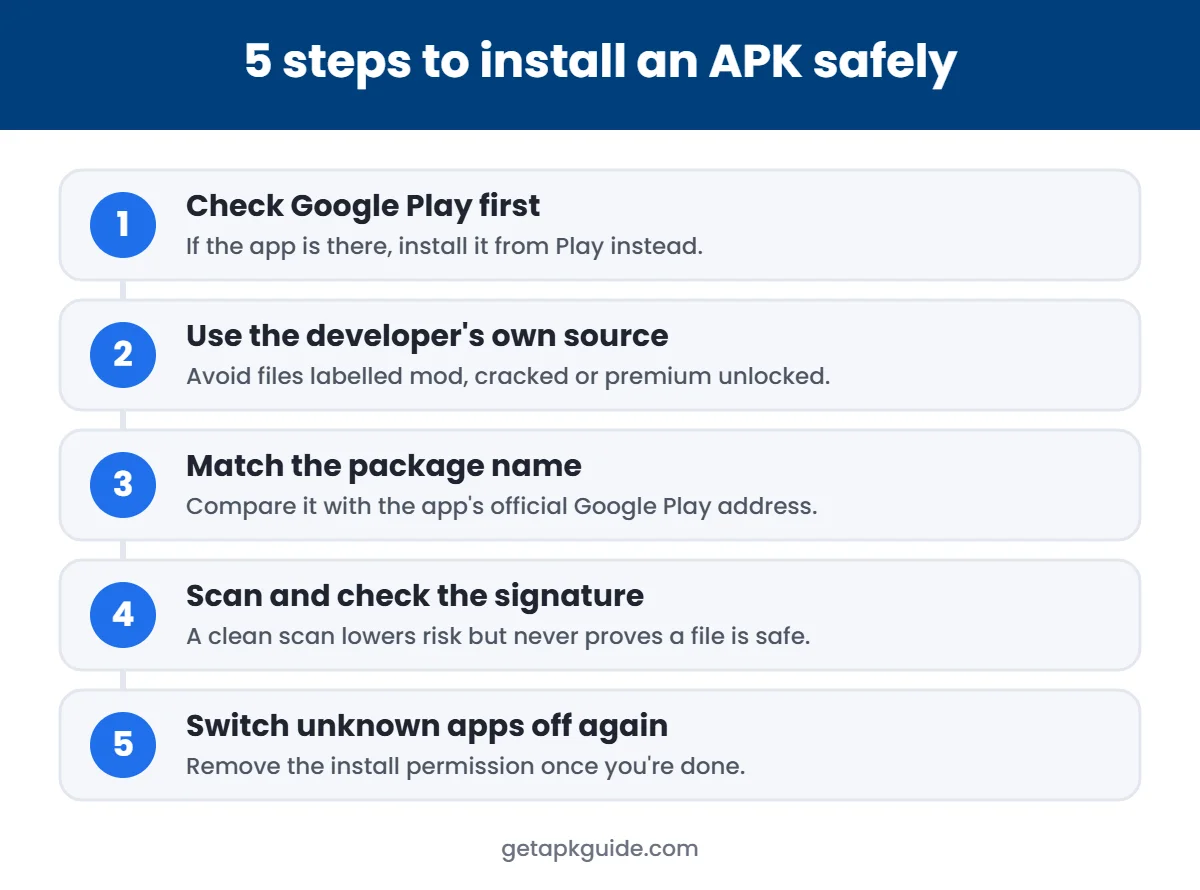
Fix: go to Settings → Apps → Special app access → Install unknown apps, choose the app you are opening the file with, and allow it. Turn it off again after installing. Our safe APK install guide explains each step in detail.
Cause 6: the APK is modified or damaged on purpose
Mod and cracked APKs are rebuilt by third parties. Badly rebuilt files often trigger the problem parsing the package error, and files that do install may carry hidden changes. If the error appears only with a “mod” or “premium unlocked” file, treat that as a warning, not a problem to work around. Read Is HappyMod safe? for why these files are risky.
Quick checklist
| Check | What to do |
|---|---|
| File size matches? | Re-download on Wi-Fi if not |
| Ends in .apk? | .xapk / .apks are bundles, not single APKs |
| Android version high enough? | Update the phone or use an older official version |
| Opened from Files app? | Save to Downloads first |
| Install permission allowed? | Allow for that app only, then turn off |
| Official source? | Avoid mod or cracked files |
Still seeing problem parsing the package?
- Restart the phone and try once more.
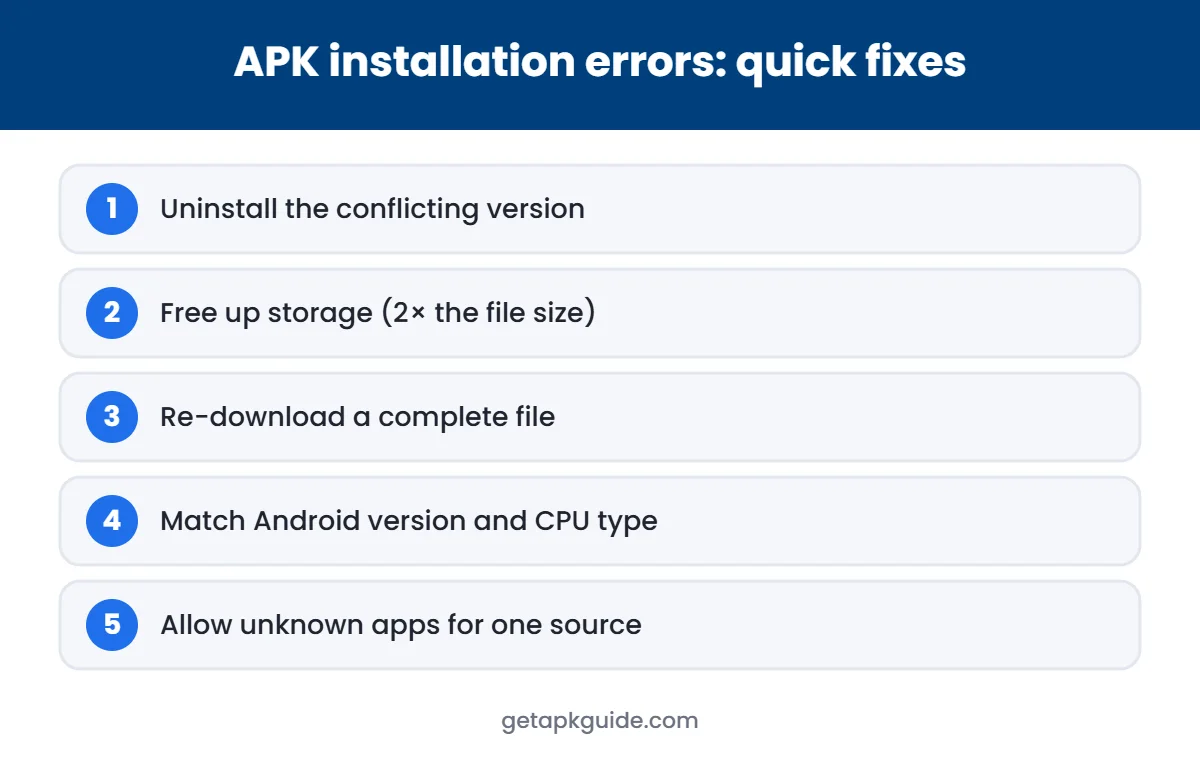
- Free up storage. At least twice the APK size is a good margin.
- Clear the cache of the Package Installer app if your phone shows it in Settings → Apps (show system apps).
- Contact the app’s developer with your phone model and Android version.
Avoid apps that promise to “fix all install errors”. They usually need more permissions than they deserve.
FAQ
Does “problem parsing the package” mean the app has a virus?
Not necessarily. Most of the time a problem parsing the package error means the file is incomplete or not compatible. But if it comes from an unofficial source, the error is one more reason not to keep trying.
Can I fix the parsing error by editing the APK?
Editing an APK breaks its signature and can make it unsafe. Get a correct, official file instead.
Why does the same APK work on another phone?
The other phone probably runs a newer Android version or a different processor type that the app supports.
Is this the same as “App not installed”?
No. “App not installed” usually means a signature conflict or storage problem after the file was read. The problem parsing the package error happens earlier, while Android is reading the file.
Related: got an .xapk or .apks file? See how to install XAPK files on Android.