App Not Installed on Android? 8 Causes and Fixes (2026)

You tap Install and Android answers with a short message: “App not installed”. Sometimes it adds a reason, such as “package appears to be invalid” or “package conflicts with an existing package”. Often it says nothing more. The app not installed error has a handful of real causes, and each one has a clear fix. This guide goes through them in the order you should check them.
If the app is on Google Play, the quickest fix is simply to install it from there. For other errors, see our full APK installation errors guide.
“App not installed as package appears to be invalid”
This longer version of the error means Android opened the file but refused it as an app package. The most common causes are:
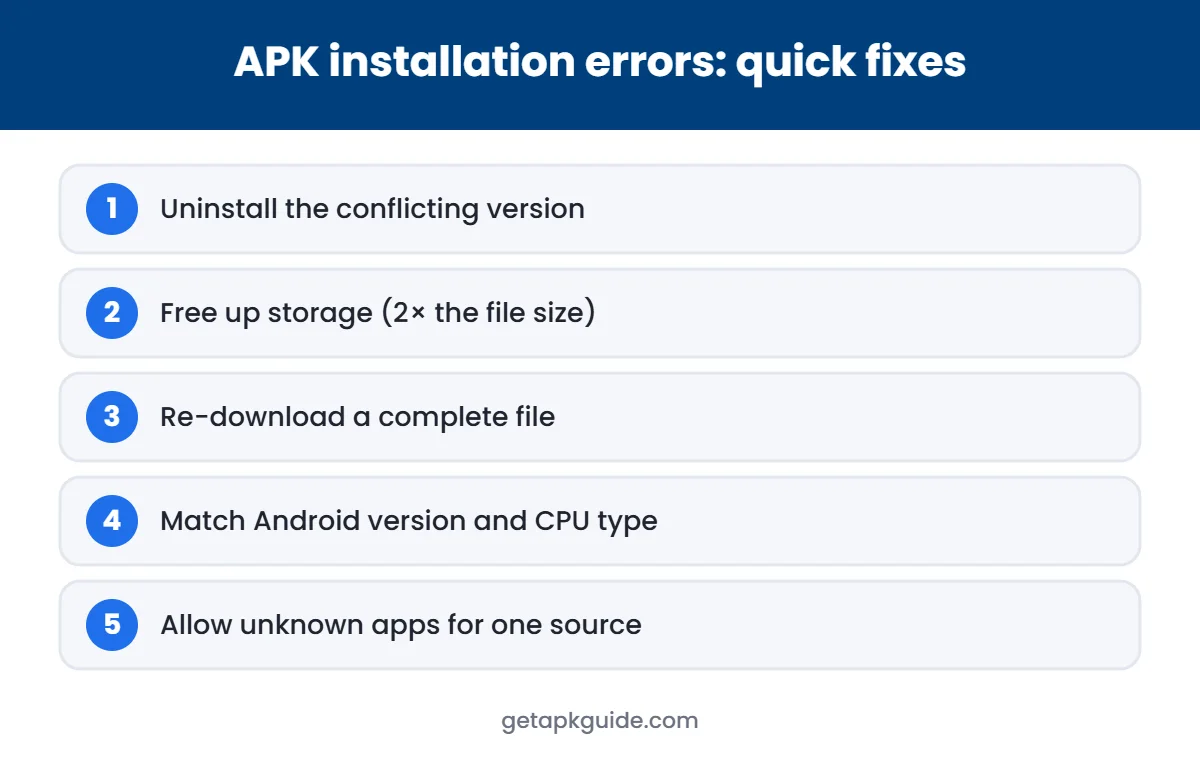
- Incomplete or corrupted download: delete the file and download it again on stable Wi-Fi.
- Wrong file type: an .xapk, .apks or .apkm bundle renamed to .apk. Use the matching installer; see our XAPK guide.
- Not made for your phone: the app needs a newer Android version or a different processor type (ARM vs x86).
- Signature conflict: an app with the same name but a different signature is already installed. Uninstall it first after backing up its data.
- Modified file: mod or cracked APKs are often rebuilt badly. Treat the error as a warning and get the official version.
If none of these apply, restart the phone, free up storage and try again. For a step-by-step checklist, continue with the fixes below.
What “App not installed” means
Android checks every APK before installing it: the file must be complete, signed, compatible with your phone and not in conflict with an app you already have. If any check fails, the installer stops and shows app not installed. The message is generic, so you need to find out which check failed.
1. A different version of the app is already installed
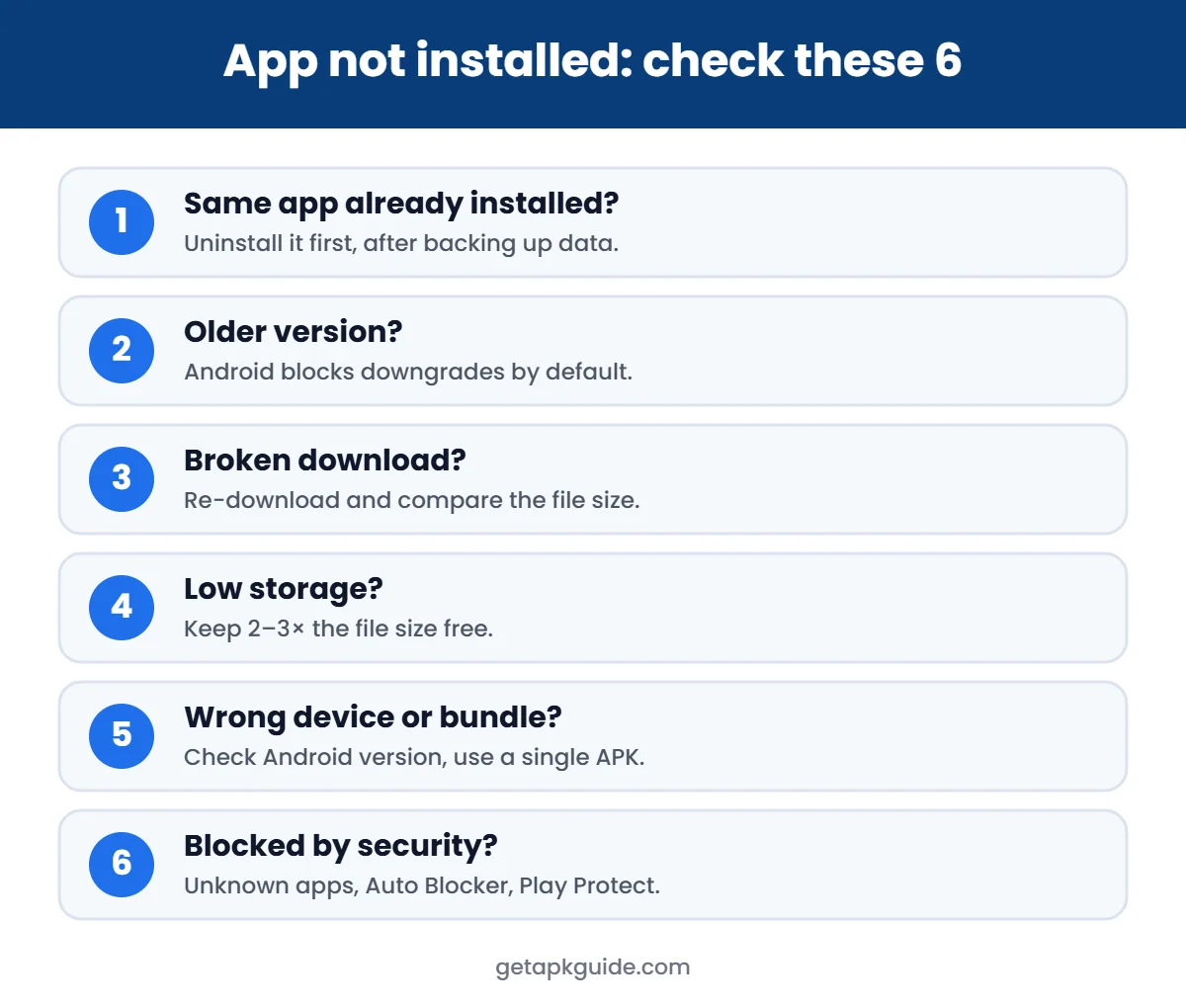
This is the most common cause of app not installed. Android only lets you update an app with a file signed by the same developer key. If you have the Play Store version and try to install an APK signed by someone else, or the other way round, Android refuses. You may see “package conflicts with an existing package”.
Fix:
- Back up any data inside the app (log in to sync, or export settings).
- Go to Settings → Apps, find the app and tap Uninstall.
- Install the new file again.
If you do not know where the installed copy came from, keep the Play Store version and do not replace it with an unknown file.
2. You are trying to install an older version
Android blocks “downgrades” by default. If the APK has a lower version number than the app already on your phone, you get app not installed. Uninstall the current version first, or simply keep the newer one.
3. The APK file is broken or incomplete
A download that stopped early, or a file damaged while being copied, can produce app not installed or “package appears to be invalid”. Delete the file, download it again on a stable connection from the developer’s official page, and compare the file size. If the developer publishes a checksum, compare that too.
4. Not enough storage
Installing needs more free space than the APK size, because Android unpacks and optimises the app. Keep at least two to three times the file size free. Check Settings → Storage, clear large videos or unused apps, then try again.
5. The app is not made for your phone
Some APKs are built only for a specific processor type (for example arm64-v8a) or need a newer Android version. On an older or different device the result is app not installed or a parsing error. Check the app’s official requirements, and see our guide to fixing “There was a problem parsing the package” for the version check.
6. It is a split bundle, not a normal APK
Files ending in .xapk, .apks or .apkm contain several APKs. Installing only one part, or renaming the file to .apk, usually ends with app not installed. Get the app from Google Play or as a single official APK instead.
7. Security settings are blocking it
- Install unknown apps is off for the app you used to open the file. Allow it for that app only, then turn it off again. Our guide on how to allow install unknown apps shows the path on Samsung, Xiaomi and Pixel phones.
- Samsung Auto Blocker is on. On One UI 6.1.1 and later it blocks apps from outside Google Play and Galaxy Store.
- Google Play Protect blocked it. If Play Protect calls the file harmful, do not force the install. Read our Google Play Protect guide first.
8. A work profile or device policy is in place
Phones managed by a school or company can block installs completely. In that case the app not installed message comes from the policy, and only the administrator can change it.
Quick checklist for app not installed
| Check | Fix |
|---|---|
| Same app already installed? | Uninstall it first (back up data) |
| Older version than installed? | Keep the newer one or uninstall first |
| File complete? | Re-download, compare size |
| Enough storage? | Free 2–3× the file size |
| Made for your phone? | Check Android version and processor |
| .xapk / .apks file? | Use a single official APK |
| Blocked by security? | Check unknown apps, Auto Blocker, Play Protect |
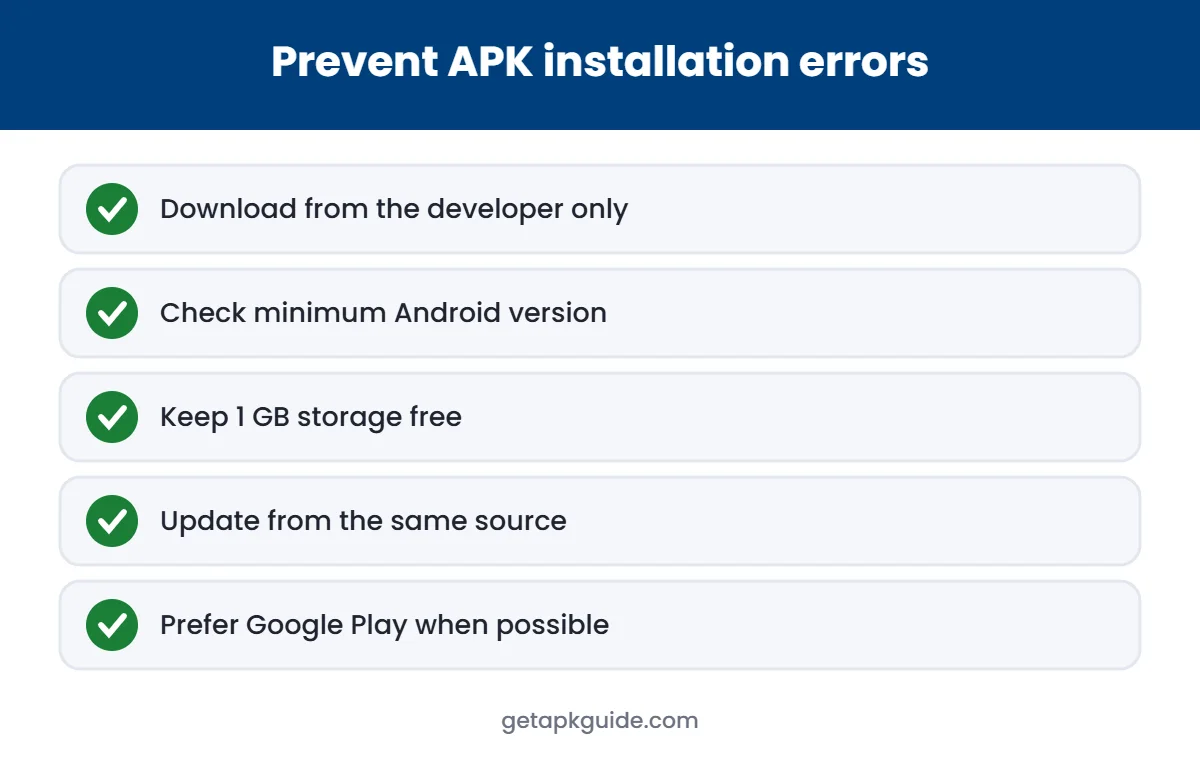
What not to do
- Do not install “APK fixer” or “signature killer” apps. They need risky permissions and can weaken your phone’s security.
- Do not turn off Play Protect just to get one app installed.
- Do not use mod or cracked files to get around the error. Read Is HappyMod safe? to see why.
Android’s own documentation on app signing explains why a different signature always blocks an update.
FAQ
Why does it say app not installed when I have space?
Storage is only one cause. The most common one is a signature conflict with a version that is already on your phone.
Will clearing the Package Installer cache fix app not installed?
Sometimes, if the installer itself is stuck. It does not fix signature, version or compatibility problems.
Does app not installed mean the APK has a virus?
No, but if the file came from an unofficial site, treat the error as one more reason to use the official source.
Can I install without uninstalling the old app?
Only if the new file is a newer version signed with the same key. Otherwise Android will always show app not installed.
Related: if your file ends in .xapk, follow our guide on how to install XAPK files.