VLC APK for Android: Features, Safe Download & Setup (2026)
VLC APK is the Android version of VLC media player, the free and open-source player from the non-profit VideoLAN project. It plays almost any video or audio file, supports subtitles and network streams, and has no ads or in-app purchases. This guide explains what VLC for Android does, where to get the official VLC APK safely, how to set it up, and how to fix common problems.
Short version: install VLC from Google Play. You only need a VLC APK file if your device has no Play Store, such as some Android TV boxes or phones without Google services.
What is VLC for Android?
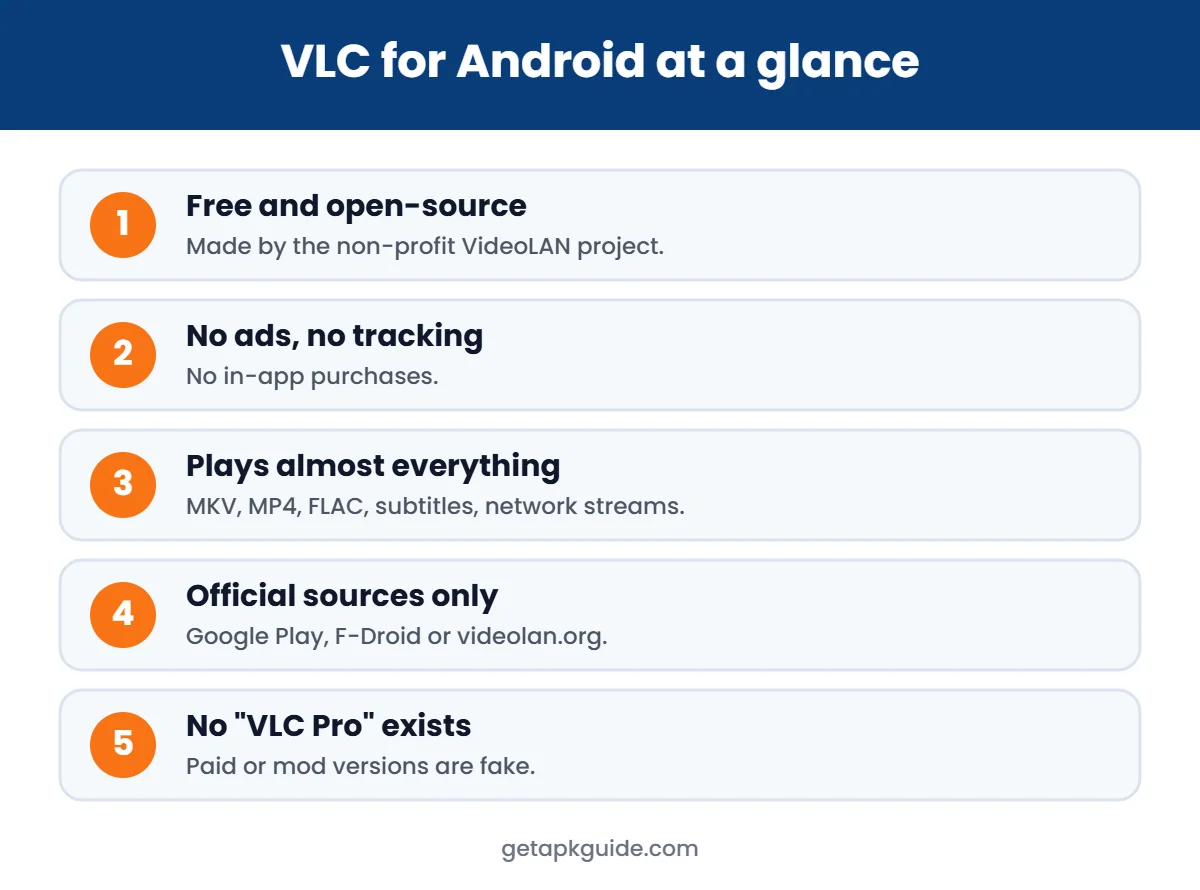
VLC for Android is a full port of the desktop VLC player. It is developed by VideoLAN and its community, and its source code is public. According to the VideoLAN Android documentation, it is free software with no tracking or ads.
Main features
- Plays most video and audio formats without extra codec packs (MKV, MP4, AVI, MOV, FLAC and more).
- Subtitles: built-in support plus external .srt and .ass files, with sync adjustment.
- Network playback: stream from SMB, UPnP/DLNA and network URLs.
- Audio player with equalizer and playlists.
- Gestures for volume, brightness and seeking; picture-in-picture.
- Works on phones, tablets, Chromebooks and Android TV.
Where to get the official VLC APK
| Source | Best for | Notes |
|---|---|---|
| Google Play | Most phones and tablets | Automatic updates, recommended |
| F-Droid | Devices without Google services | Open-source app store |
| VideoLAN website | Android TV boxes, manual install | Official VLC APK files from videolan.org |
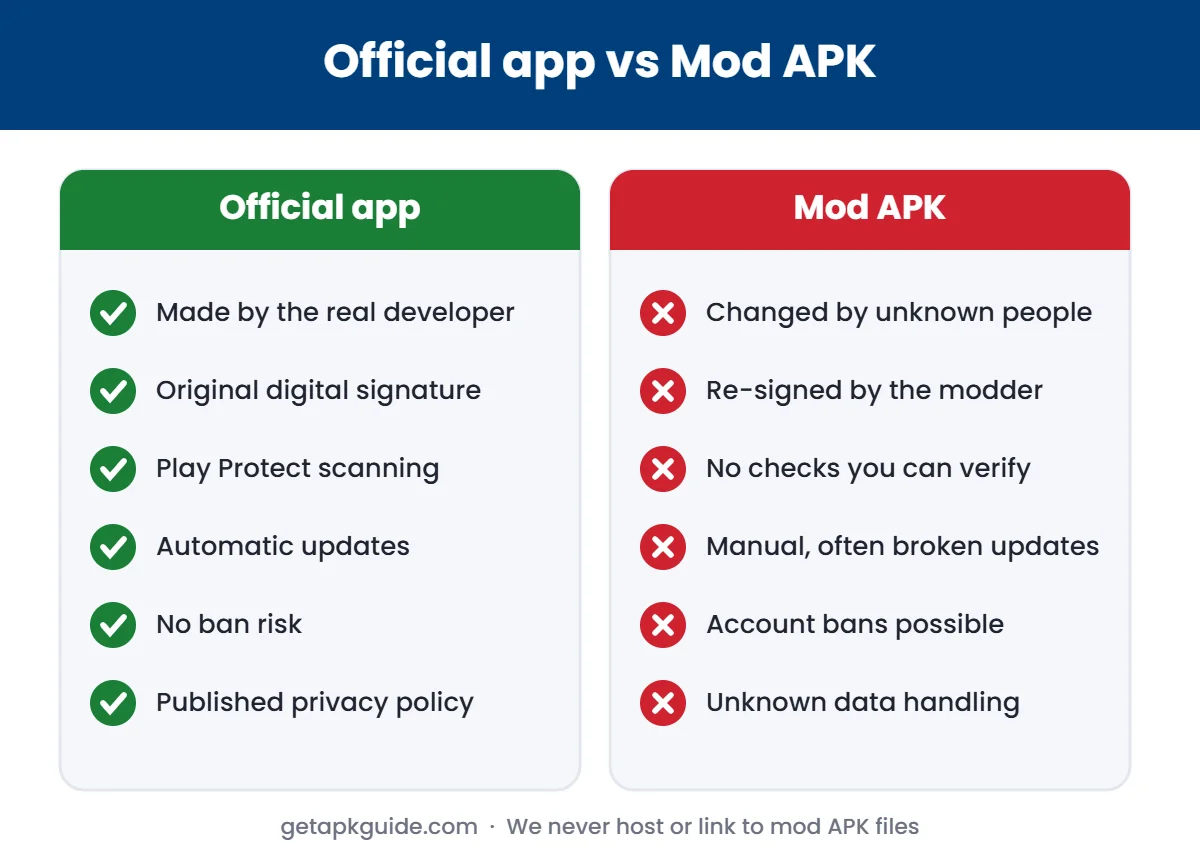
Avoid “VLC Pro”, “VLC Premium” or “VLC mod APK” files. VLC is already completely free, so any paid or “unlocked” VLC APK is fake and may contain malware.
How to install the VLC APK manually
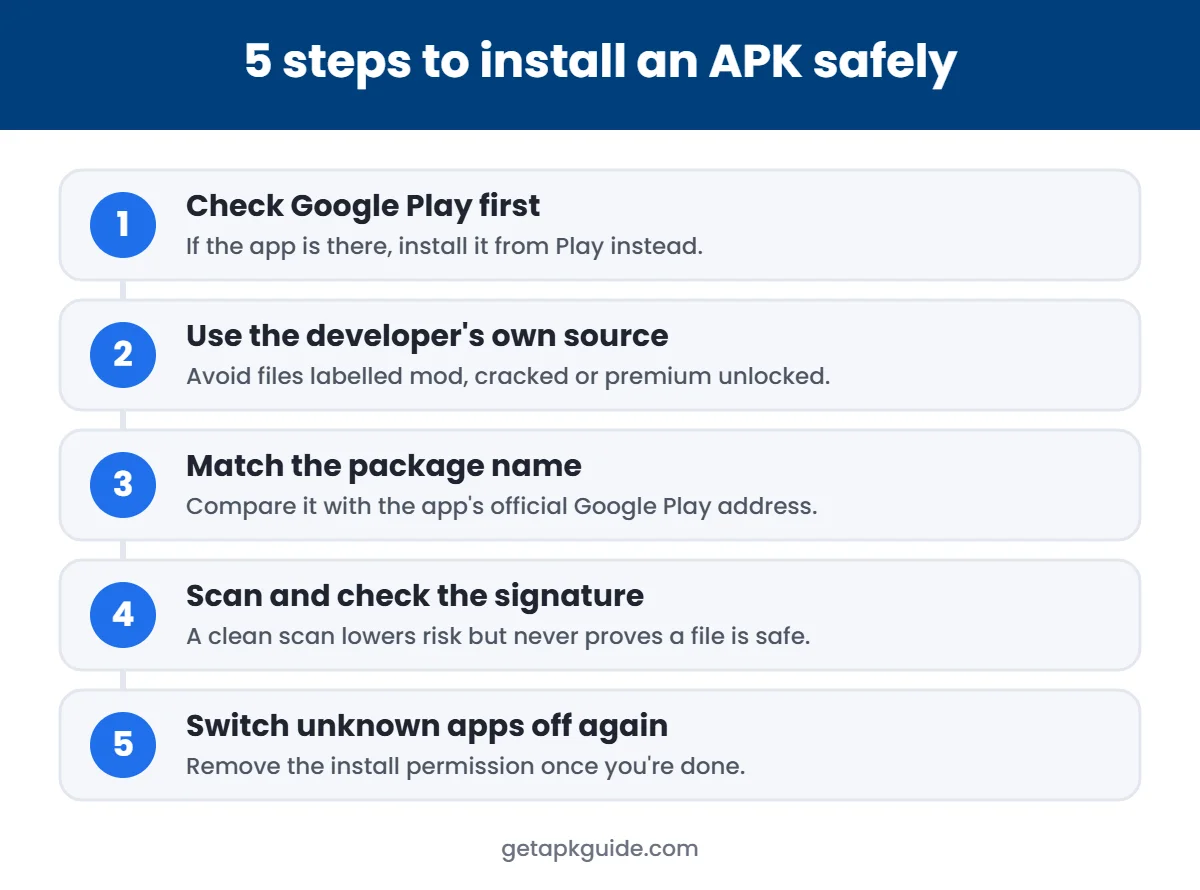
- Download the VLC APK only from videolan.org or F-Droid.
- Check the file size matches the download page.
- Allow Install unknown apps for your browser or file manager. Here is where to find the setting.
- Open the file and tap Install.
- Turn the install permission off again.
If Android shows an error, see App not installed fixes or parsing error fixes. A VLC APK built for a different processor (for example ARM vs x86) will not install.
First-time setup tips
- Allow access to media files so VLC can find your videos.
- Settings → Video → turn on hardware acceleration if playback stutters.
- Settings → Subtitles → choose a larger font for TV screens.
- Use Browse → Local Network to find videos on a home PC or NAS.
Common VLC problems and fixes
| Problem | Fix |
|---|---|
| No sound on some videos | Try a different audio track (tap the audio icon during playback) |
| Choppy 4K playback | Change hardware acceleration setting; some phones cannot decode every codec |
| Subtitles out of sync | Use subtitle delay in the playback menu |
| Files not showing | Check media permission and refresh the library |
VLC APK vs MX Player
Both are popular offline players, but they are built differently. VLC is open-source with no ads. MX Player became part of Amazon in 2024 and is now mainly a streaming service with ads. Read our MX Player APK guide for details.
What makes VLC different from other players
| Feature | VLC for Android |
|---|---|
| Price | Free |
| Ads or in-app purchases | None |
| Source code | Open source (VideoLAN) |
| Formats | Most video and audio files, plus DVD ISOs |
| Subtitles | Embedded and external, including ASS and DVD subtitles |
| Network | Network streams (including HLS), UPnP and FTP |
| Casting | Chromecast support in version 3.0 and newer |
| Audio | Full audio player with library, equalizer and filters |
| Android TV | Supported |
Because the app has no ads and no in-app purchases, any “VLC Pro” or “VLC mod APK” you see online is fake. There is nothing to unlock, so such files only add risk.
Play videos from your PC or NAS with the VLC APK
VLC can browse media on your home network, so you do not need to copy large files to your phone:
- Connect the phone to the same Wi-Fi as your computer or NAS.
- Make sure media sharing (UPnP/DLNA) or an FTP server is turned on for that device.
- Open VLC and go to the Browse tab.
- Choose the local network section and pick your device, or add an FTP or stream address.
- Open the folder and tap a video to stream it.
If your device does not appear, check that both are on the same network and that any firewall on the computer allows media sharing.
How to add and fix subtitles in VLC
- Embedded subtitles: tap the speech-bubble icon during playback and choose the track.
- External file: keep the .srt file in the same folder with the same name as the video, or use Add subtitle in the player’s advanced options.
- Out of sync: use the subtitle delay control to shift text earlier or later.
- Hard to read: change the subtitle font size and colour in VLC’s settings.
Cast from VLC to your TV
VLC 3.0 and newer can cast to Chromecast devices. When phone and Chromecast are on the same Wi-Fi, a cast icon appears in the player. Tap it, choose your TV, and VLC sends the video. If a format is not supported by the TV, VLC may need to convert it during casting, which can use more battery and need a strong Wi-Fi signal.
VLC on Android TV and Chromebooks
VLC also runs on Android TV boxes and many Chromebooks that support Android apps. On Android TV, install it from the Play Store on the TV itself; the interface is designed for a remote control. On a Chromebook, install it from Google Play like any other app.
Best VLC settings for smooth playback
- Keep hardware decoding on (the default) for most videos; it saves battery.
- If a video shows a green screen or stutters, try changing the hardware acceleration option for that file in the player menu.
- Use the audio equalizer for music, and turn it off for films to keep dialogue natural.
- Let VLC scan only the folders you use; scanning the whole phone slows down the library.
With these settings, the official VLC APK handles almost any file you throw at it, without ads or tracking. Compare it with other players in our VLC vs MX Player guide.
FAQ
Is the VLC APK safe?
The official VLC APK from Google Play, F-Droid or videolan.org is safe and open-source. Files from random APK sites or “pro” versions are not.
Is VLC free on Android?
Yes. VLC is free with no ads, no subscriptions and no in-app purchases.
Does VLC work on Android TV?
Yes. VLC has an Android TV interface. Install it from the TV’s Play Store, or use the official VLC APK if there is no store.
Can VLC download YouTube videos?
VLC is a media player, not a downloader. Downloading YouTube videos outside the YouTube app is against YouTube’s terms.
Compare: see our full VLC vs MX Player comparison.