InShot APK Guide 2026: Free vs Pro, Safe Install & Tips
InShot APK is a top search for Android users who want a quick, simple video and photo editor for Reels, Shorts, TikTok and WhatsApp status. This 2026 guide explains what InShot can do for free, what InShot Pro adds, how to remove the watermark legally, how to install the official app safely, and why “InShot Pro mod APK” files are a bad idea. We do not link to any modified InShot APK.
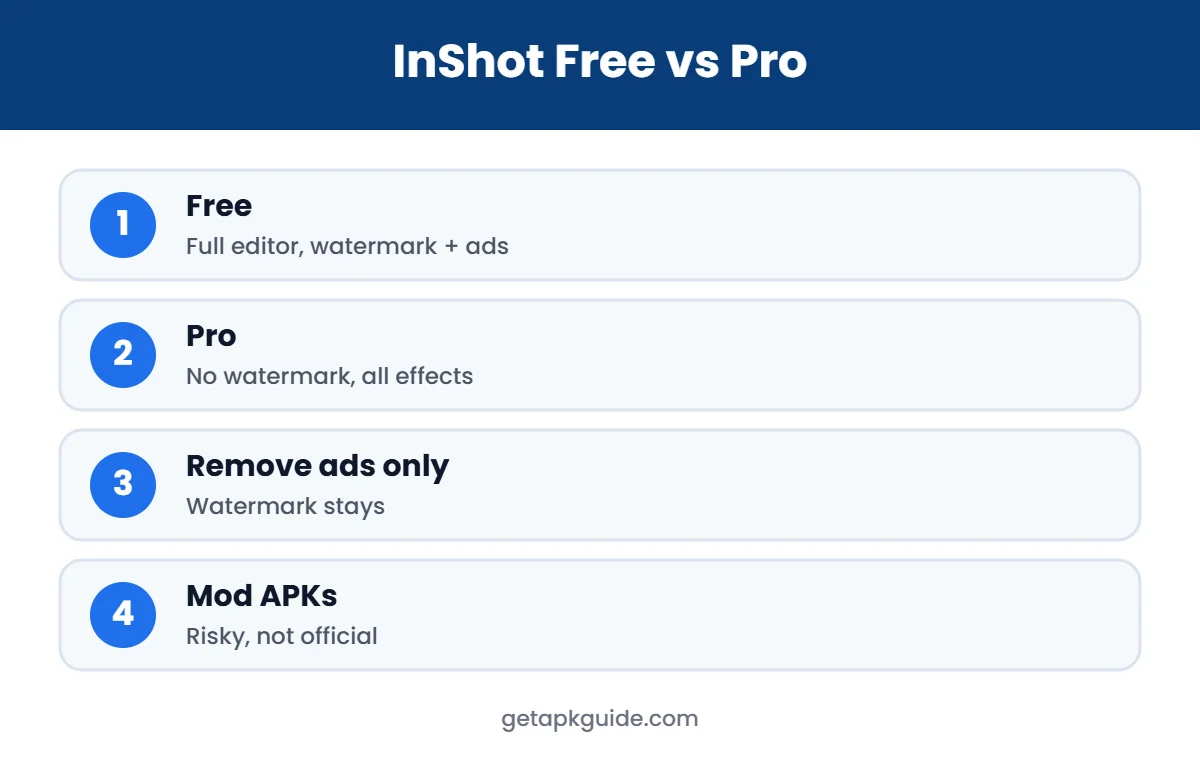
Quick answer: get InShot from Google Play. The free version includes the full editing toolkit, with ads, a watermark and some locked filters and effects. InShot Pro removes ads and the watermark and unlocks all paid materials. Modded “Pro” APK files are not from the developer and can put your phone and accounts at risk.
What Is InShot?
InShot is a mobile video editor, photo editor and collage maker for Android and iOS. On the Apple App Store it is published by SHANTANU PTE. LTD. (App Store listing). It is popular because it is fast and easy: you can trim and merge clips, add music, text, stickers and voice-overs, change speed, use keyframes and chroma key, and export for any social platform. Recent versions also include AI tools such as auto captions, background removal and smart tracking.
How to Get the Official InShot APK
- Google Play: search “InShot” and check that the developer is InShot Inc. and the download count is high. This is the safest way to install and update.
- Apple App Store: for iPhone and iPad users.
- Devices without Google Play: use a trusted store and read how to install APK files safely first. Our Uptodown and APKMirror reviews explain how third-party stores compare.
Never install an InShot APK that promises “Pro unlocked” or “no watermark” for free. Those are modified files.
Is the Official InShot APK Safe?
The official InShot APK from Google Play is widely used and is scanned by Google Play Protect, which makes it a reasonable choice for everyday editing. Like any free app with ads, it collects some usage data for advertising and analytics; you can review what is listed in the Data safety section of its Google Play page before installing. If privacy is a priority, limit permissions to what you need and avoid signing in to extra services you do not use.
The real danger is not the official InShot APK but modified copies. The rule is simple: the same app name can be safe from Google Play and harmful from a random download site.
InShot APK Free vs InShot Pro
| Feature | InShot Free | InShot Pro |
|---|---|---|
| Core video editing | Yes | Yes |
| Export up to 4K 60fps | Yes (device dependent) | Yes |
| InShot watermark | Yes | Removed |
| Ads | Yes | Removed |
| Premium filters, effects, transitions, stickers | Some locked | All unlocked |
| AI tools | Some limits | Full access |
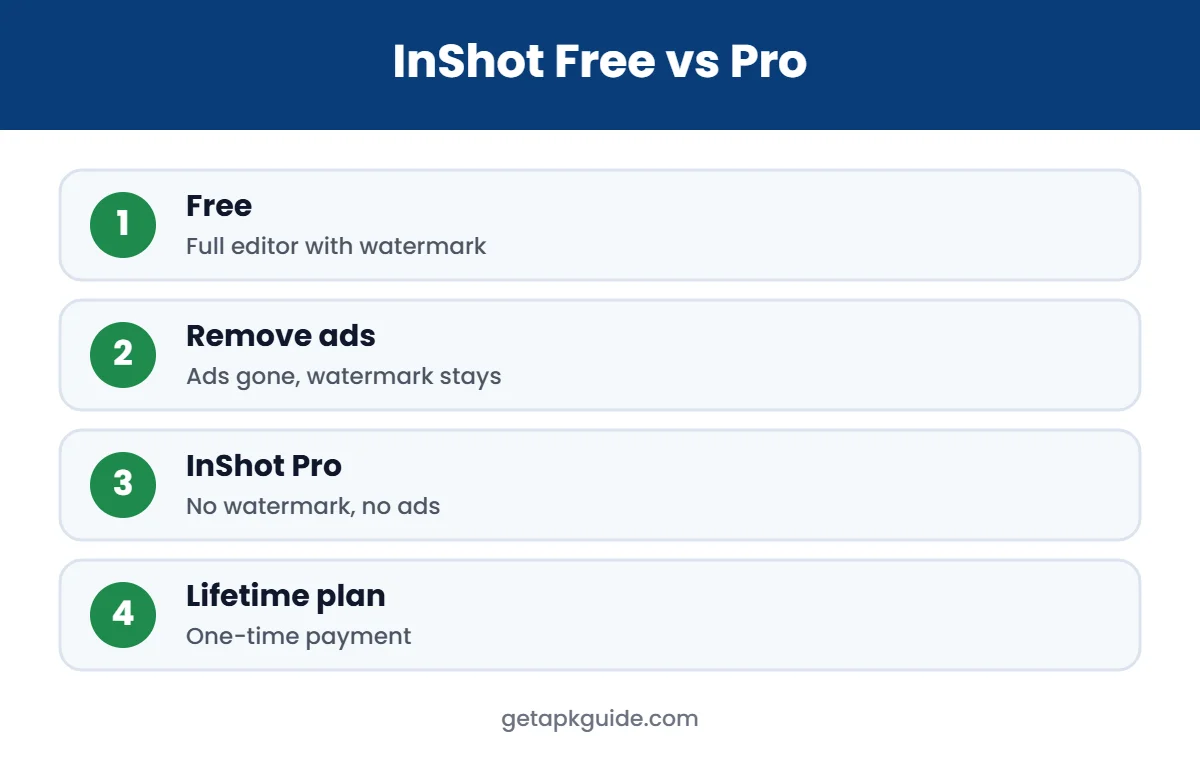
On the US App Store, InShot lists InShot Pro at $4.99 per month, $19.99 per year (with a free trial) and $49.99 for lifetime access, plus a separate $3.99 “Remove ads” purchase and individual packs (App Store). Android prices are shown in Google Play in your local currency and can be different, so always check the price before buying.
One detail to watch: the listing says InShot Pro removes both the watermark and ads, while “Remove ads” only removes ads. If your main goal is a clean export, choose Pro.
How to Remove the InShot Watermark Legally
- Open InShot and tap the Pro or crown icon.
- Choose a monthly, yearly or lifetime plan and pay through Google Play.
- Re-export your video; new exports no longer show the watermark.
To cancel a subscription on Android, open Google Play, tap your profile, then Payments and subscriptions, and manage InShot there. Uninstalling the app does not cancel a subscription.
InShot Mod APK and “InShot Pro APK”: The Risks
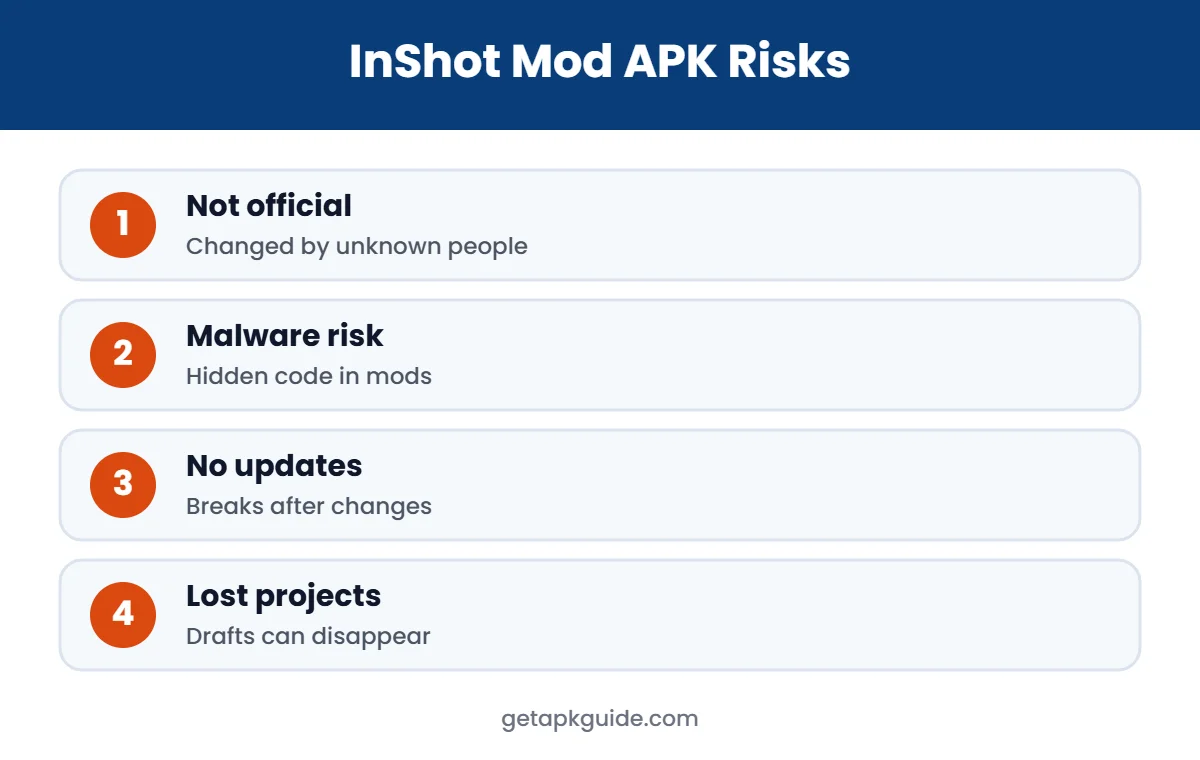
Many websites offer an “InShot Pro mod APK” with everything unlocked. These files are not published by InShot. Someone has changed the app and re-signed it, and you have no way to check what else is inside.
- Malware: modified apps are a common way to spread trojans and password stealers. See the documented cases in our GB WhatsApp APK and CapCut APK guides.
- Account risk: logging in with Google or social accounts inside a mod can expose them.
- No updates: mods do not update through Google Play and often break.
- Lost work: drafts and projects can be lost when a mod stops working.
- Terms and copyright: unlocking paid content without paying breaks the developer’s terms.
InShot APK Updates and Old Versions
InShot updates often to add effects, AI tools and fixes for new Android versions. With the Google Play version, updates install automatically and your drafts stay compatible. If you sideload an InShot APK on a device without Google Play, update it only from the same trusted source and make sure the file is signed by the same developer; otherwise Android will refuse the update or ask you to uninstall first, which can delete drafts.
Avoid old InShot APK versions from unknown archives. They miss security fixes, may not support newer phones, and are a common disguise for modified files.
InShot APK Permissions Explained
The official InShot APK requests permissions that fit an editor: photos and videos to import media, microphone for voice-overs, and notifications for export progress. If a copy asks for SMS, call logs, contacts or accessibility services, do not install it. Those are warning signs of a modified file.
Tips for Better InShot Videos
- Choose the canvas first: 9:16 for Reels, Shorts and TikTok; 1:1 for square posts; 16:9 for YouTube.
- Use speed ramping and keyframes for smooth, eye-catching transitions.
- Add auto captions; many people watch videos with sound off.
- Export at 1080p for social media to keep files small and uploads fast.
- Keep the original clips until the final video is uploaded.
InShot for Photos and Collages
InShot is not only a video editor. Its photo tools let you add text and stickers, adjust brightness, contrast and curves, remove backgrounds with AI, and create grid or stitch collages. This makes it handy for social posts where you combine a few photos with text. For advanced photo editing, apps such as Snapseed or Lightroom offer more control; compare them in our Snapseed vs Lightroom guide.
Using InShot APK on Chromebook or PC
On a Chromebook with Google Play, install InShot from the Play Store like on a phone. If Play is missing, follow our guide to install APK on Chromebook. On Windows or Mac there is no official InShot APK alternative for desktop, so an emulator is the only way, and it is usually slow for video. A desktop editor is often the better choice on a computer.
Think about how often you edit before choosing a plan. Weekly creators usually save money with the yearly or lifetime option, while occasional users can stay on the free InShot APK and accept the watermark for personal videos.
Fix Common InShot Problems
- Export stuck or fails: free up storage, close other apps, and export at 1080p instead of 4K.
- Audio out of sync: export at the same frame rate as your recording, usually 30 fps.
- Watermark still showing after buying Pro: restore purchases from the Pro screen, then re-export.
- App crashes on launch: update from Google Play or clear the app cache in Settings, Apps.
- Install error on a sideloaded copy: see our App Not Installed fixes.
Most issues are fixed by updating the official app and freeing space. If problems continue, InShot’s in-app feedback option is the best way to reach the developer.
Safe InShot Alternatives
- CapCut: powerful templates and captions, where available. Read our CapCut APK guide.
- KineMaster: multi-layer editing with a free version. See KineMaster APK: Free vs Premium.
- VN Video Editor: free timeline editor with keyframes.
- YouTube Create: Google’s free editor for Shorts, where available.
For photo editing apps, see our best photo editor apps for Android.
FAQ: InShot APK
Is InShot APK free?
Yes. The official InShot app is free on Google Play. Free exports include a watermark and the app shows ads.
How do I remove the InShot watermark?
Subscribe to InShot Pro or buy the lifetime plan inside the app. The separate “Remove ads” purchase does not remove the watermark.
Is InShot Pro mod APK safe?
No. Modded InShot APK files are changed by unknown people, can carry malware and break the developer’s terms.
How much does InShot Pro cost?
On the US App Store it is $4.99 per month, $19.99 per year or $49.99 lifetime. Android prices vary by country, so check Google Play.
Can I use InShot on PC?
There is no official Windows version. You can use it on a Chromebook through the Play Store, or try a desktop editor instead.