Is F-Droid Safe? Honest 2026 Review

Is F-Droid safe? F-Droid is the best-known app store for free and open-source Android apps, and it is often recommended by privacy-focused users. But it works very differently from Google Play, and that brings both strengths and weaknesses. This 2026 review explains how F-Droid checks and builds apps, what its “anti-features” labels mean, its real limitations, and how to use it safely.
Short answer: F-Droid is one of the safest places to get Android apps outside Google Play, because it only lists open-source apps and builds them from public source code. Its weak points are slower updates, a smaller catalogue, and the fact that its code checks are not a full security audit of every app.
What Is F-Droid?
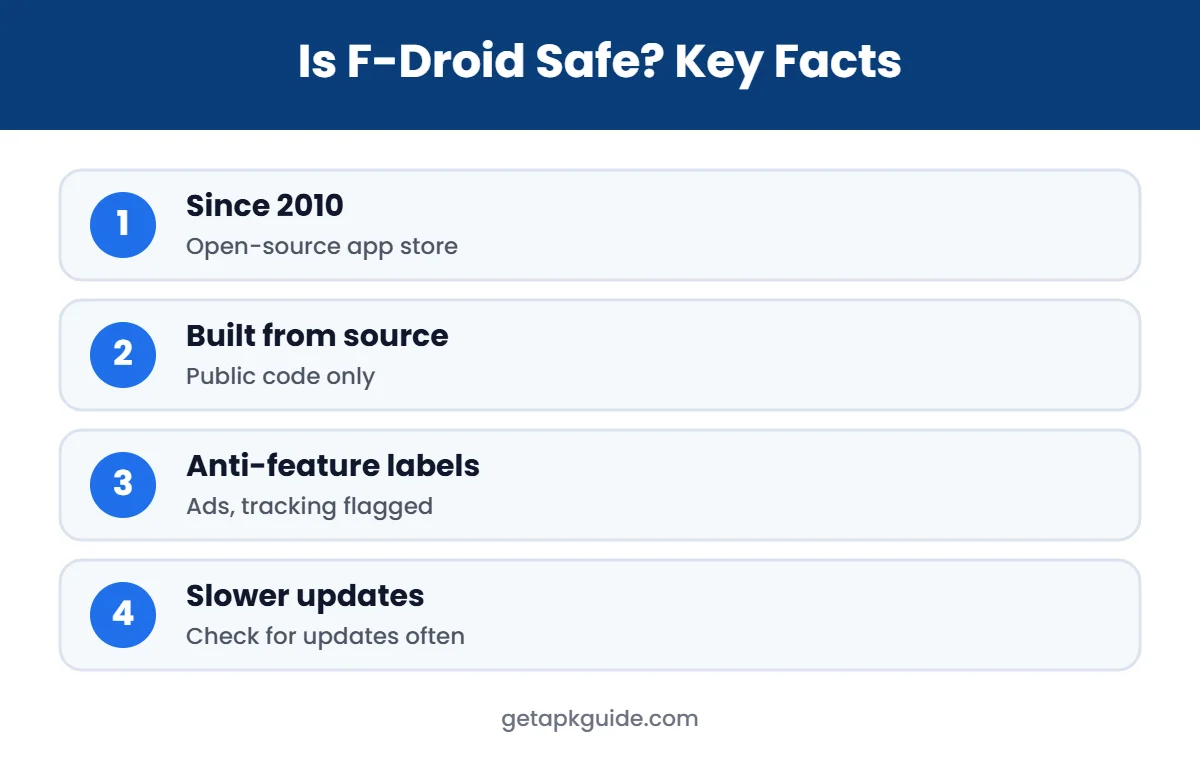
F-Droid is a free and open-source app store and software repository for Android. It was founded in 2010 by Ciaran Gultnieks, and its main repository contains only free and open-source apps that you can install without an account (Wikipedia). The official site is f-droid.org, where you can download the F-Droid client app. Its website lists over 3,800 apps, far fewer than Google Play’s catalogue, but focused on apps without proprietary code.
Is F-Droid Safe for Beginners?
Is F-Droid safe if you are not a technical user? Yes, as long as you stick to the main repository and the official client. The app looks a little different from Google Play, with fewer screenshots and no star ratings, but installing an app is still just a search and a tap. The main extra habit is checking for updates, since they may not install themselves unless you turn that on.
Beginners should also read the short description and anti-feature labels on each app page. They tell you, in plain words, if an app shows ads, tracks you, or needs a non-free service to work.
How F-Droid Checks Apps
- Open source only: every app in the main repository must have its source code published under a free licence.
- Built from source: F-Droid builds the APK itself from that public code, instead of accepting a ready-made file from the developer.
- Code review: the team checks submissions for proprietary libraries and problems, although Wikipedia notes these checks are not exhaustive.
- Anti-feature labels: apps that include advertising, tracking or dependence on non-free services are clearly flagged.
- Reproducible builds: for supported apps, F-Droid can verify that its build matches the developer’s, which lets developers keep their own signing key.
So, is F-Droid safe because of these checks? They make hidden malware far less likely than on random APK sites, because there is no closed code to hide it in and anyone can inspect what is built.
Is F-Droid Safe? The Limitations
1. Slower updates
Is F-Droid safe when updates are slow? Mostly, but it matters. Because F-Droid builds apps itself, new versions can appear days or weeks after the developer releases them. A security fix may reach Google Play users first. In 2022, F-Droid found more than 20 apps in its repository with known vulnerabilities, which shows the value of updating quickly (Wikipedia).
2. F-Droid signing keys
Many apps on F-Droid are signed with F-Droid’s key rather than the developer’s. That means you cannot switch between the F-Droid version and a Google Play or GitHub version without uninstalling first. Apps with reproducible builds avoid this problem.
3. Updates are not automatic by default
Automatic updates are not turned on by default, and fully silent updates need extra setup. If you forget to update, you may run older, vulnerable versions.
4. Third-party repositories
Is F-Droid safe with extra repositories? That depends. F-Droid lets you add other repositories. Apps from those repos are not built or checked by the F-Droid team, so their safety depends entirely on who runs them.
5. Fake F-Droid downloads
Download the F-Droid client only from f-droid.org. Copies on other sites may be outdated or modified.
Is F-Droid Safe Compared With Google Play and APK Sites?
| Point | Google Play | F-Droid | APK download sites |
|---|---|---|---|
| App types | All, mostly closed source | Open source only | All, often re-uploaded |
| Who builds the APK | Developer | F-Droid from source | Unknown |
| Code is public | Rarely | Always | Rarely |
| Account needed | Yes | No | No |
| Update speed | Fast | Slower | Varies |
| Overall risk | Low | Low | Medium to high |
Compare other sources in our Aurora Store, APKPure, APKMirror and Uptodown reviews.
Understanding F-Droid Anti-Feature Labels
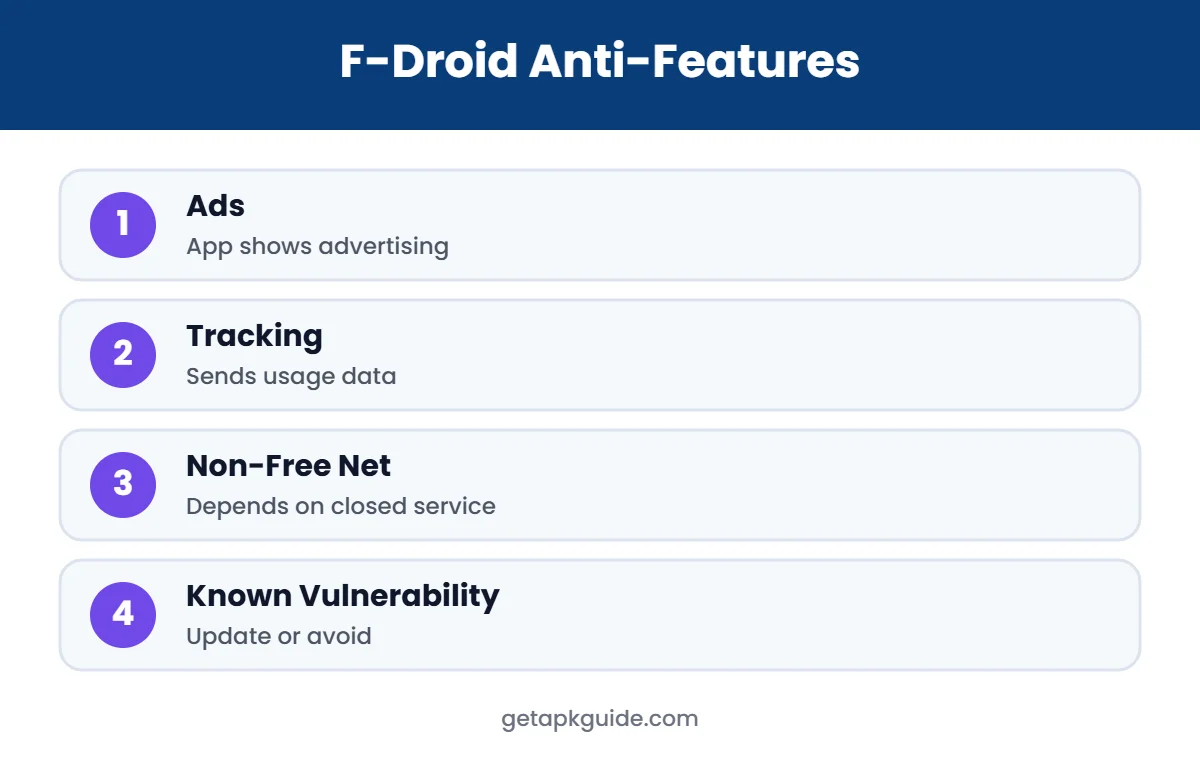
Anti-features are F-Droid’s way of warning you about behaviour you might not want. They do not mean an app is malware; they mean you should decide with full information. The most common labels are:
- Ads: the app shows advertising.
- Tracking: the app sends usage or device data that could identify you.
- Non-Free Network Services: the app depends on a closed online service, such as Google Play’s servers for Aurora Store.
- Non-Free Dependencies: the app needs other closed-source software to work fully.
- Known Vulnerability: a security problem has been reported and may not be fixed yet.
The “Known Vulnerability” label is the one to take most seriously. If you see it, check whether a fix is coming, or look for an alternative app until it is resolved.
Is F-Droid Safe on Custom ROMs and Older Phones?
Is F-Droid safe on a phone without Google services? It is one of the main reasons the store exists. On custom ROMs such as LineageOS, F-Droid is often the default way to install apps, and its apps usually do not need Google Play Services. On older phones, F-Droid can still be safe, but remember that the phone itself may no longer receive Android security updates. In that case, even safe apps run on a less protected system.
How to Install and Use F-Droid Safely
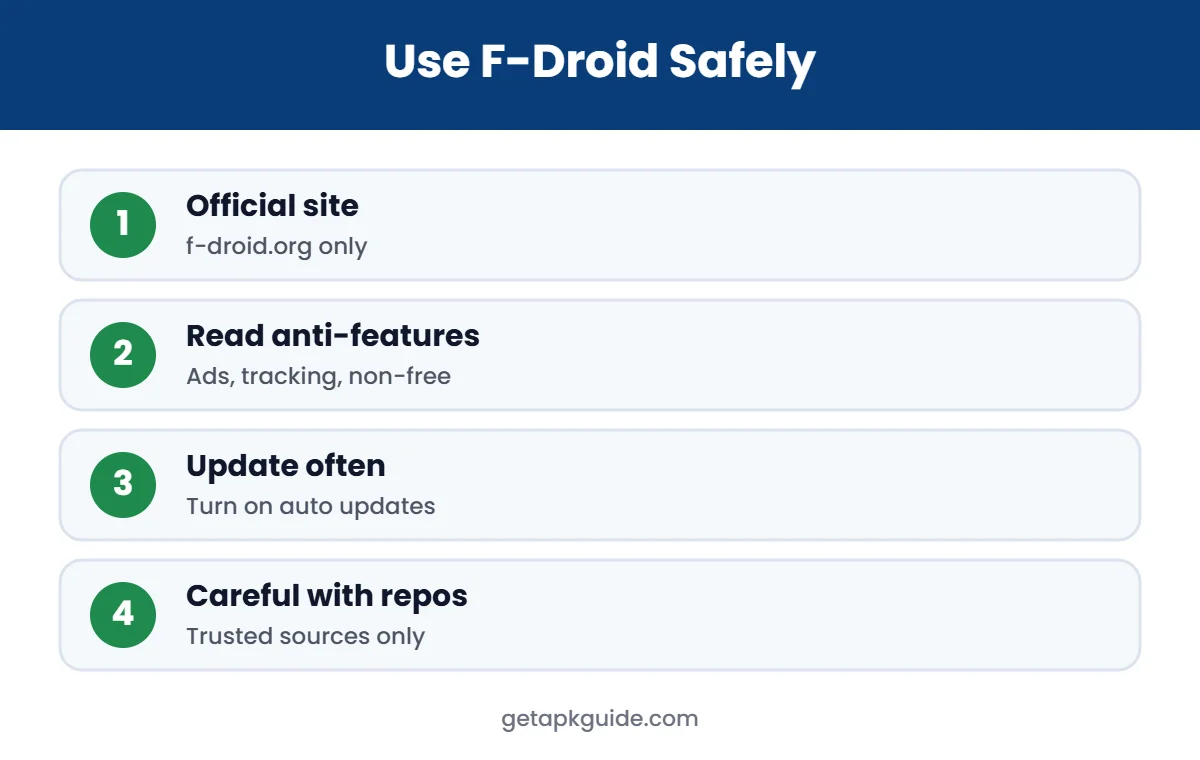
- Visit f-droid.org in your browser and download the F-Droid client.
- Allow “install unknown apps” for your browser just for this install, then turn it off again (how to do this).
- Open F-Droid and let it update its repositories.
- Read each app’s description and anti-feature labels before installing.
- Check for updates regularly, or enable automatic updates in F-Droid settings.
- Add third-party repositories only from developers you trust.
Keep Google Play Protect on if your phone has Google services; it can scan F-Droid apps too.
In practice, the safest F-Droid setup is simple: one official client, the main repository, regular updates, and a quick look at the labels before each install. With those habits, F-Droid is a strong, privacy-friendly companion to the Play Store.
Popular Apps to Start With on F-Droid
- NewPipe: lightweight YouTube client with background play (see our YouTube Vanced alternatives).
- Aurora Store: open-source Google Play client (read is Aurora Store safe?).
- KeePassDX: offline password manager.
- Organic Maps: offline maps based on OpenStreetMap.
- VLC: media player for almost any format (see our VLC APK guide).
These apps are widely used and actively maintained, which makes them a good first test of how F-Droid works on your phone.
Google Developer Verification and F-Droid
Google announced that apps installed on certified Android devices will need to come from verified, registered developers, with a target of September 2026. F-Droid published an open letter opposing the plan on 24 February 2026, arguing it threatens independent app distribution (Wikipedia). How this affects F-Droid users can change, so check F-Droid’s official news for the latest information.
Our Verdict: Is F-Droid Safe?
For most people, F-Droid is a safe, trustworthy source for open-source apps. Its build-from-source model, public code and clear anti-feature labels make it much safer than ordinary APK sites. The trade-offs are slower updates and a smaller app selection. Our answer to “is F-Droid safe?” is yes: install the client from f-droid.org, keep apps updated, and be careful with extra repositories.
FAQ: Is F-Droid Safe?
Is F-Droid safe to install?
Yes, when downloaded from f-droid.org. It is open source and only distributes open-source apps from its main repository.
Is F-Droid safer than Google Play?
It is more transparent, because all code is public. Google Play has faster updates and broader malware scanning. Many users use both.
Does F-Droid have malware?
Malware in the main F-Droid repository is very rare because apps are built from public source code. Outdated apps with known bugs are a bigger risk, so update regularly.
Do I need an account for F-Droid?
No. You can browse and install apps from F-Droid without creating an account.
Why are F-Droid updates slower?
F-Droid builds each new version from source itself, which takes time after the developer releases an update.