Is Uptodown Safe? Honest 2026 Review & Safety Tips

Is Uptodown safe? It is one of the most common questions from Android users who cannot find an app on Google Play, need an older version, or use a phone without Google services. Uptodown is a large, long-running app store, but “large” does not automatically mean “risk-free”. This review explains how Uptodown works, what it does to check files, where the real risks are, and how to use it more safely in 2026.
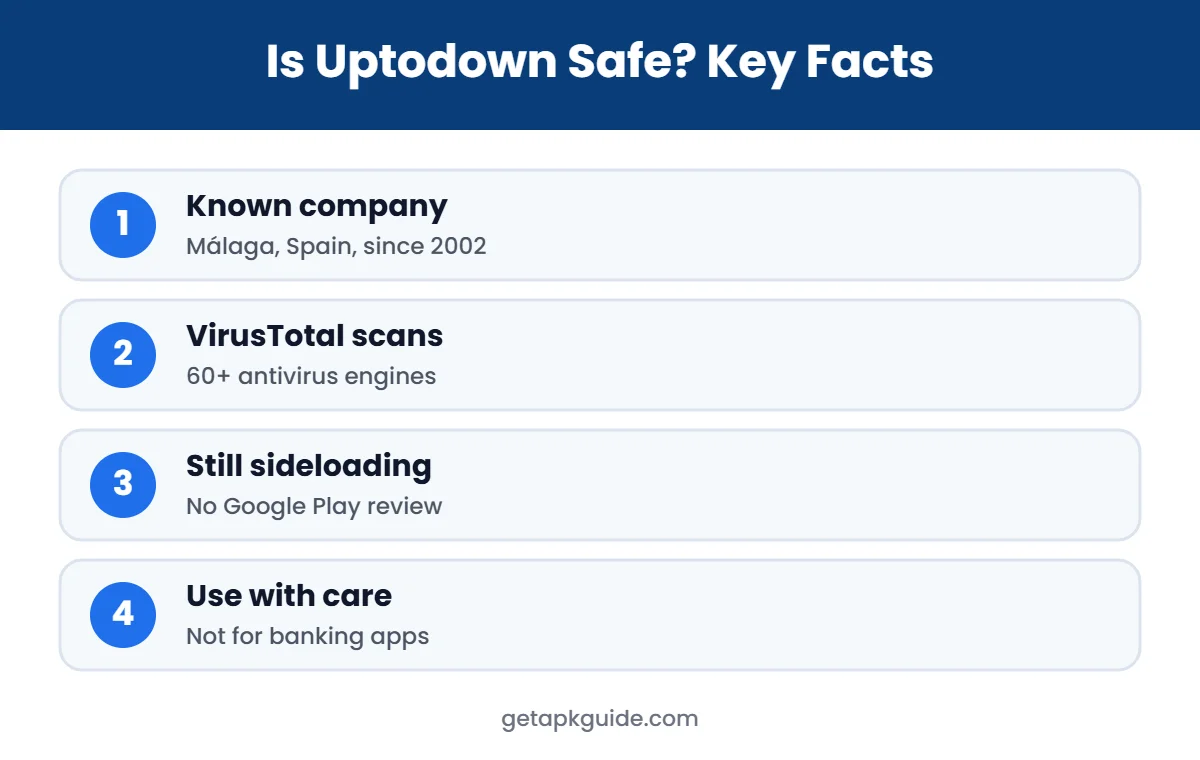
Short answer: Uptodown is a legitimate company with a long history and a public file-scanning process, which puts it well above random APK sites. Still, it is a third-party source: files do not go through Google Play’s review, and a clean antivirus scan is not a guarantee. Use Uptodown only when the official store is not an option, and verify what you install.
Is Uptodown safe? 2026 verdict
- Reasonably safe for ordinary free apps when you download from uptodown.com itself.
- Every file is scanned with VirusTotal (more than 70 antivirus engines) and reviewed by editors.
- Users cannot upload files; signatures are checked against the original source.
- Still sideloading: not as safe as Google Play, and not recommended for banking or payment apps.
What Is Uptodown?
Uptodown is an app marketplace for Android (and Windows software) based in Málaga, Spain. According to the company’s history, the site launched in 2002 as a university project, founded by Luis Hernández and José Domínguez, and the business later became Uptodown Technologies SL (The Uptodown Story). In 2021, App Developer Magazine reported more than 130 million monthly active users and over 4 million APK files available (App Developer Magazine).
Before asking “is Uptodown safe?”, it helps to know why people use it. People mainly use Uptodown to download apps that are not available in their country, to install older versions of an app, or to get apps on devices without Google Play, such as some smart TVs and emulators. You can browse it on the web at uptodown.com or through the Uptodown App Store app.
How Uptodown Checks Files: Is Uptodown Safe by Design?
Uptodown says all content is scanned with VirusTotal, a service that checks files against more than 70 antivirus engines, and that results are shown on each download page. The company also uses in-house editors to review and describe apps. This is a real, visible safety step, and it is more than most anonymous APK sites offer.
However, it is important to understand what a scan can and cannot do. VirusTotal only aggregates detections from antivirus vendors. It does not give a universal “safe” verdict, and new or carefully hidden threats can pass undetected at first (VirusTotal documentation). So, is Uptodown safe because of VirusTotal? It is safer, but not guaranteed safe.
Is Uptodown Safe? The Real Risks
1. No Google Play review
When people ask “is Uptodown safe?”, this is the first difference to understand. Apps on Google Play go through Google’s checks and are covered by Play Protect from the moment you install. Apps from Uptodown are sideloaded. Play Protect can still scan them on your phone, but the app never went through the Play Store pipeline.
2. You must allow unknown sources
To install from Uptodown, you need to enable “install unknown apps” for your browser or the Uptodown app. If you leave that permission on, other apps or websites could also push installs. Read our guide on the install unknown apps setting and turn it off after use.
3. Old versions can have known bugs
Is Uptodown safe for old versions? Downloading an older version is a popular Uptodown feature, but old versions often contain security holes that were fixed later. Only use an old version when you really need it, and do not use it for banking or messaging apps.
4. Fake “Uptodown” sites and ads
A big part of whether Uptodown is safe for you is whether you are really on Uptodown. Many look-alike websites copy the Uptodown name to attract searches. Always check that the address is uptodown.com before downloading. Be careful with large “Download” buttons that are actually adverts.
5. Scans are not a promise
As explained above, a clean VirusTotal result reduces risk but cannot prove a file is harmless. For sensitive apps, such as payment, banking or work apps, the official store is always the better choice.
Is Uptodown Safe Compared With Google Play and Other APK Sites?
| Point | Google Play | Uptodown | Random APK sites |
|---|---|---|---|
| Company behind it | Uptodown Technologies (Spain) | Often unknown | |
| File checks | Google review + Play Protect | VirusTotal scan + editors | Usually none shown |
| Old versions | No | Yes | Sometimes |
| Mod / cracked apps | No | Not its focus | Often |
| Overall risk | Lowest | Medium | High |
Compare it with other stores in our Is APKPure safe? review, our Is APKMirror safe? review, and the full APKPure vs APKMirror vs Google Play comparison.
How to Use Uptodown More Safely
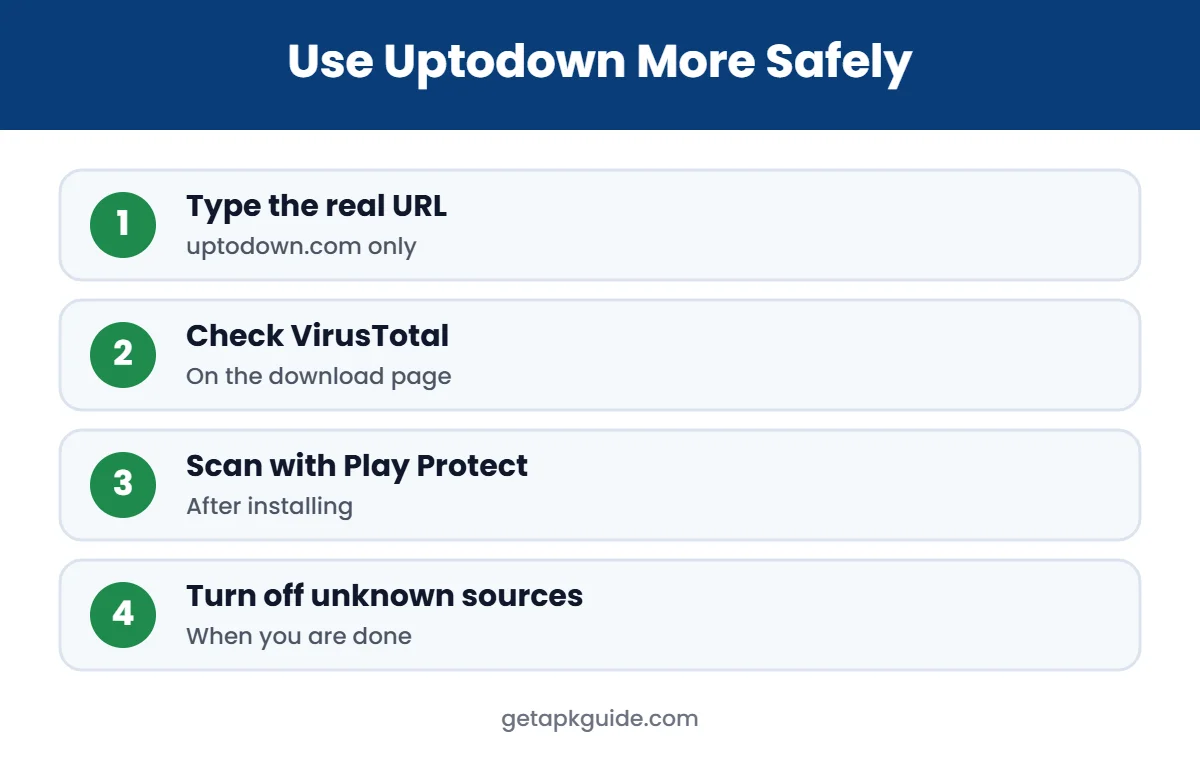
- Type uptodown.com yourself instead of clicking search ads or look-alike links.
- Before downloading, open the file’s VirusTotal result on the download page and check the developer name.
- Prefer the Google Play version whenever the app is available there.
- After installing, run a scan with Google Play Protect.
- Check the permissions the app asks for. A flashlight or video app does not need SMS or contacts.
- Turn off “install unknown apps” again when you are done.
- Keep the app updated, but avoid installing many old versions side by side.
If an install fails, our guides to App Not Installed and problem parsing the package explain the most common fixes. For a full safety routine, read how to install APK files safely.
Is Uptodown Safe? Check a Download Yourself
You do not have to take any store’s word for it. Before you decide whether an Uptodown file is safe, you can do a few quick checks yourself:
- Compare the app name, developer and version with the Google Play listing, if the app exists there.
- Upload the downloaded APK to VirusTotal yourself and look at both the detection count and the “first seen” date.
- After installing, open Settings, Apps, and review every permission the app was granted.
- If an update from another source fails with a signature error, stop: it may mean one of the files was re-signed.
These steps take a few minutes and answer the question “is Uptodown safe for this app?” far better than any general rating, because safety depends on the specific file you download.
Is Uptodown Safe for Android TV, PC and Emulators?
Uptodown is popular on Android TV boxes, smart TVs and Android emulators on Windows because many of those devices do not have Google Play. The same rules apply on every device: download only from the real website, check the scan result, and avoid apps that ask for unusual permissions. On a Windows PC, also keep Microsoft Defender or another trusted antivirus enabled. So, is Uptodown safe on these devices? It carries the same medium risk as on a phone, so use the same care.
Is the Uptodown App Store App Safe?
Is Uptodown safe as an app store app? Uptodown also offers its own store app that can install and update apps for you. It is convenient, but it needs the permission to install other apps, which is powerful. Install the store app only from uptodown.com, keep it updated, and remove it if you no longer use it. Fewer apps with install permission means fewer ways for something harmful to get onto your phone.
Families sharing one phone should be extra careful. Children often search for free games and may tap the first download button they see. If you are not sure whether Uptodown is safe for a child’s device, turn on Google Family Link controls and keep app installs limited to Google Play. That way you decide which apps are added, and no one needs to enable unknown sources.
When You Should Not Use Uptodown
- For banking, payment or crypto wallet apps: always use Google Play or the bank’s official site.
- For paid apps offered for free: that is a sign of a cracked or modified file, which we never recommend.
- For work or school apps managed by an administrator.
- When Google Play has the same app in your country.
Is Uptodown Legit? Who Can Upload Apps
Yes, Uptodown is a legitimate app store run by a registered company, and its own help center explains how the catalog is controlled (Uptodown Help Center):
- Users cannot upload files. Only Uptodown’s editorial team and developers registered in its Developers Console can publish apps.
- Signatures are checked. Editors validate that each app’s signature matches the original source, and developers must prove authorship to manage an app that is already listed.
- Files are not modified. Uptodown says it never alters the apps it publishes and hosts downloads on its own servers, unless a developer asks for a redirect to their official URL.
- Technical details are public. Each app page lists the package name, SHA256 signature, file size, architecture, developer and requested permissions.
Uptodown also notes that a VirusTotal alert does not always mean malware: emulators, automation tools and apps that need root can trigger false positives, and some apps may contain adware (PUP). If a report looks unusual, skip the download or compare it with the Google Play version. For a step-by-step method, see how to install APK files safely.
Our Verdict: Is Uptodown Safe?
Uptodown is one of the more trustworthy third-party app stores: it is run by a known company with a long history, it shows VirusTotal results, and it has human editors. Those are real positives. But it is still a sideloading source, and no third-party scan can match the protection of installing from Google Play. Our answer to “is Uptodown safe?” is: reasonably safe for ordinary free apps when used carefully, and not the right choice for sensitive apps.
FAQ: Is Uptodown Safe?
Is Uptodown safe to download apps from?
It is safer than most APK sites because files are scanned with VirusTotal and the company is well known. It is not as safe as Google Play, so use it only when the official store is not an option.
Is Uptodown legit?
Yes. Uptodown is run by Uptodown Technologies, a company based in Málaga, Spain, and the site has operated since 2002.
Does Uptodown have viruses?
We found no confirmed, publicly reported malware outbreak traced to Uptodown’s catalog. Even so, no store can promise every file is clean, so scan apps after installing.
Is Uptodown safer than APKPure?
Both are established third-party stores with their own checks. Neither replaces Google Play. Read our APKPure and APKMirror reviews to compare their security steps.
Why does my phone warn me when installing from Uptodown?
Android shows a warning for any app from outside Google Play. It is a general caution, not proof that the file is harmful.
Can anyone upload apps to Uptodown?
No. According to Uptodown, only its editors and verified developers can publish apps, and signatures are validated before files go live.
Does Uptodown modify APK files?
Uptodown says it never alters the apps it publishes. You can compare the SHA256 signature shown on the app page with the official version.