Remini Video Enhancer 2026: How It Works, Limits & Price
The Remini video enhancer brings Remini’s AI face and detail enhancement to short video clips. It is one of the most searched Remini features, especially by people who want to fix old, blurry or low-resolution videos. This 2026 guide explains how the Remini video enhancer works, where you can use it, what it costs, its limits, and safe alternatives.
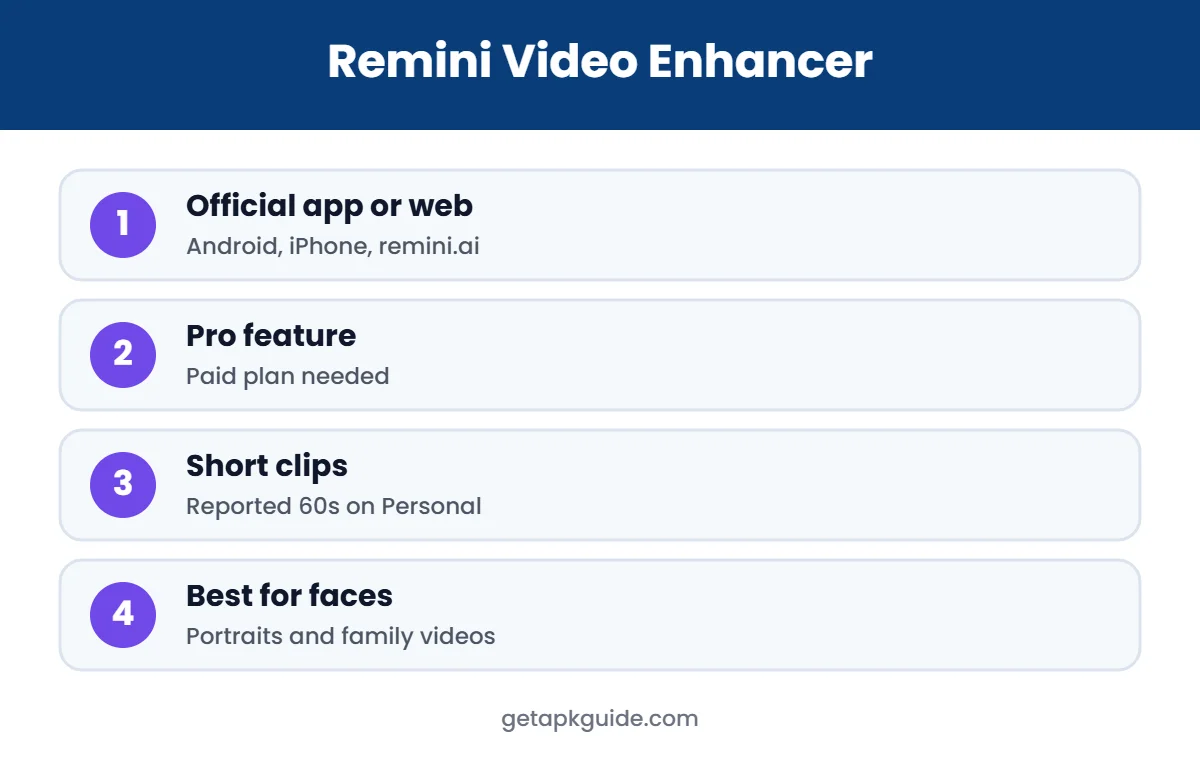
Quick answer: video enhancement is available in the official Remini app for Android and iPhone and on the Remini web platform. It is a premium feature, so you need Remini Pro or a paid plan. Clips are short, and results are best for videos with clear faces.
Official Remini download (safe and free to install)
- Android: Remini on Google Play
- iPhone / iPad: Remini on the App Store
- PC / browser: remini.ai (official website)
These are the only official sources. Pro features are unlocked inside the official app, often with a free trial.
What Is the Remini Video Enhancer?
The Remini video enhancer uses the same AI models that made Remini popular for photos. It analyses each frame, sharpens faces and fine details, reduces blur and noise, and can increase resolution. It is designed for short clips, such as old phone videos, social media clips and family recordings, rather than long films.
Remini Video Enhancer vs Photo Enhancer
The photo enhancer works on a single image, so it can spend more processing effort on every detail. The Remini video enhancer has to process many frames and keep them consistent, so results can be slightly less dramatic than with photos, and processing takes longer. A useful trick: if you only need one great frame from a video, take a screenshot of that moment and use the photo enhancer instead. It is faster and often looks better.
Typical uses include sharpening a blurry clip of a child’s first steps, improving an old phone video of a wedding speech, or making a short social media clip look cleaner before posting. In each case, the subject is a person and the clip is short, which is exactly where this tool performs best. For screen recordings, gaming footage or long events, results are usually less impressive, and other tools are a better fit.
Remember that enhancement cannot recover details that were never captured. A face that is only a few pixels wide may become sharper, but the AI has to guess the missing details, so the result may not look exactly like the real person.
Where Can You Use the Remini Video Enhancer?
- Android: inside the official Remini app from Google Play.
- iPhone and iPad: inside the App Store version (see Remini for iPhone).
- Computer: through the Remini web platform at remini.ai in your browser (see Remini for PC).
There is no separate “Remini video app”. If you see a “Remini video enhancer APK” or “mod” download, it is not official.
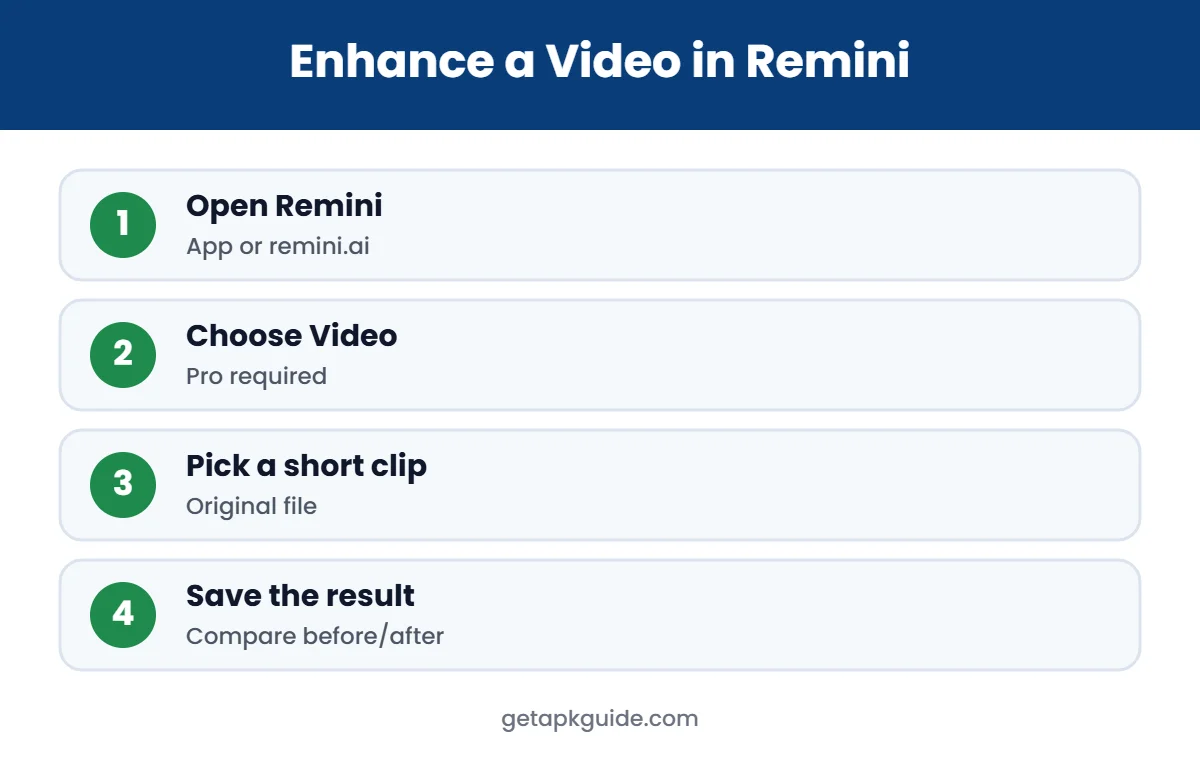
How to Use the Remini Video Enhancer
- Install the official Remini app or open remini.ai.
- Sign in and make sure you have an active Remini Pro or paid plan.
- Choose the Video or video enhance option.
- Select a short clip from your gallery or computer.
- Wait while Remini processes the video on its servers.
- Preview the result and save or download it.
Remini Video Enhancer Limits and Pricing
Remini does not make video limits very visible outside the app, and they can change. A November 2025 review by Aiarty, a competing video software company, reported the following plan limits on the Remini web platform (Aiarty review):
| Plan (as reported) | Max per video | Weekly limit |
|---|---|---|
| Personal | 60 seconds or 60 MB | 240 seconds or 240 MB |
| Business | 120 seconds or 120 MB | 480 seconds or 480 MB |
The same review describes video enhancement as a paid feature and the upscale as about 2x. Because this information comes from a competitor and may be outdated, always check the current limits and prices inside the Remini app or on remini.ai before paying. Our Remini Pro guide covers subscriptions and cancellation.
How to Prepare a Video Before Enhancing
- Find the highest-quality copy of the video, ideally the original from the camera or phone gallery.
- Trim it to the important seconds using your phone’s built-in editor.
- Avoid adding filters or text before enhancing; add them afterwards.
- Check that the file size and length fit your plan’s limits.
- Use Wi-Fi, because uploads and downloads can be large.
These steps save processing time, reduce failed uploads, and help the Remini video enhancer focus on the part of the clip that matters.
What Videos Work Best?
- Clear faces: Remini is strongest on faces, so talking-head clips and portraits improve the most.
- Short clips: trim long videos to the important part before uploading.
- Moderate blur: slightly soft or low-resolution footage improves more than very dark or heavily shaken video.
- Original files: use the original video, not one already compressed by WhatsApp or social media.
Good lighting in the original video always helps the AI.
Remini Video Enhancer Pros and Cons
| Pros | Cons |
|---|---|
| Very easy to use on phone | Paid feature |
| Strong face enhancement | Short clip length limits |
| Works on Android, iPhone and web | Needs a good internet connection |
| No editing skills needed | Can over-smooth skin or change details |
Common Problems and Fixes
- Upload fails: the clip may be too long or too large for your plan. Trim it and try again.
- Processing takes too long: server load varies; keep the app open on Wi-Fi or try again later.
- Video option missing: update the app; some features roll out by region or plan.
- Result looks unnatural: use a clearer original or a shorter clip; AI works best on moderately blurry footage.
- Charged but no Pro: restore purchases with the same Google Play or Apple account.
If problems continue, contact Remini support from the app’s settings menu. Billing issues are handled by Google Play or Apple, depending on where you subscribed.
Alternatives for Longer or Professional Videos
The Remini video enhancer is built for quick phone edits. For longer videos or more control, consider desktop software that runs AI upscaling on your own computer, so you are not limited by clip length and your files never leave your device. Mobile editors such as CapCut, InShot and KineMaster also include basic sharpening and stabilisation; see our CapCut, InShot and KineMaster guides for safe, official downloads.
Is the Remini Video Enhancer Worth It?
It is worth it if you regularly need to fix short clips with people in them, for example reels, family moments or old phone videos, and you prefer a simple phone app over desktop software. It is less suitable for long videos, professional film work, or footage without faces, such as landscapes or screen recordings. In those cases, a desktop upscaler or a dedicated video editor gives more control.
If you already pay for Remini Pro for photos, trying the Remini video enhancer costs nothing extra. If you would subscribe only for video, test a short clip first and compare the result with free tools before committing to a longer plan.
Privacy and Safety Tips
- Videos are uploaded to Remini’s servers for processing. Do not upload private or sensitive recordings.
- Use only the official app or remini.ai; never log in to a modded app with your Google or Apple account.
- Delete downloaded results you no longer need, especially on shared devices.
- Read Remini’s privacy policy in the app if you plan to process videos of other people.
For more on safe installs, see our Remini APK guide and how to install APK files safely.
Final Thoughts on the Remini Video Enhancer
The Remini video enhancer is a convenient way to improve short clips with faces, right from your phone or browser. It is not a replacement for professional video software, and its clip limits and subscription cost mean it suits occasional, short projects best. Start with your clearest original clip, keep expectations realistic, and compare the before and after carefully. If the result looks natural and saves you time, Remini Pro may be worth it for you.
Whatever you choose, stick to the official Remini app or remini.ai. Modded “Remini video” files cannot unlock server-side processing reliably, and they put your phone and accounts at risk.
FAQ: Remini Video Enhancer
Is the Remini video enhancer free?
No. Video enhancement is a premium feature that needs Remini Pro or a paid web plan. Check the app for any current trial offers.
How long can a video be in Remini?
Clips are short. A 2025 third-party review reported 60 seconds per video on the Personal plan, but check the app for current limits.
Can I use the Remini video enhancer on PC?
Yes, through the Remini web platform at remini.ai in your browser.
Is there a Remini video enhancer mod APK?
Sites claim to offer one, but it is a modified file and video processing happens on Remini’s servers, so mods often fail. Use the official app.
What are alternatives to the Remini video enhancer?
Desktop tools such as Topaz Video AI or free open-source upscalers can work for longer videos, while CapCut and other editors offer basic sharpening.