Remini Not Working? 8 Fixes That Work in 2026

Is Remini not working for you? Maybe the app is stuck on “processing”, AI Photos shows an error, the enhanced photo will not save, or Remini will not open at all. This 2026 guide lists 8 fixes that solve most problems, based on Remini’s own help center, plus a quick table to match each error to the right fix.
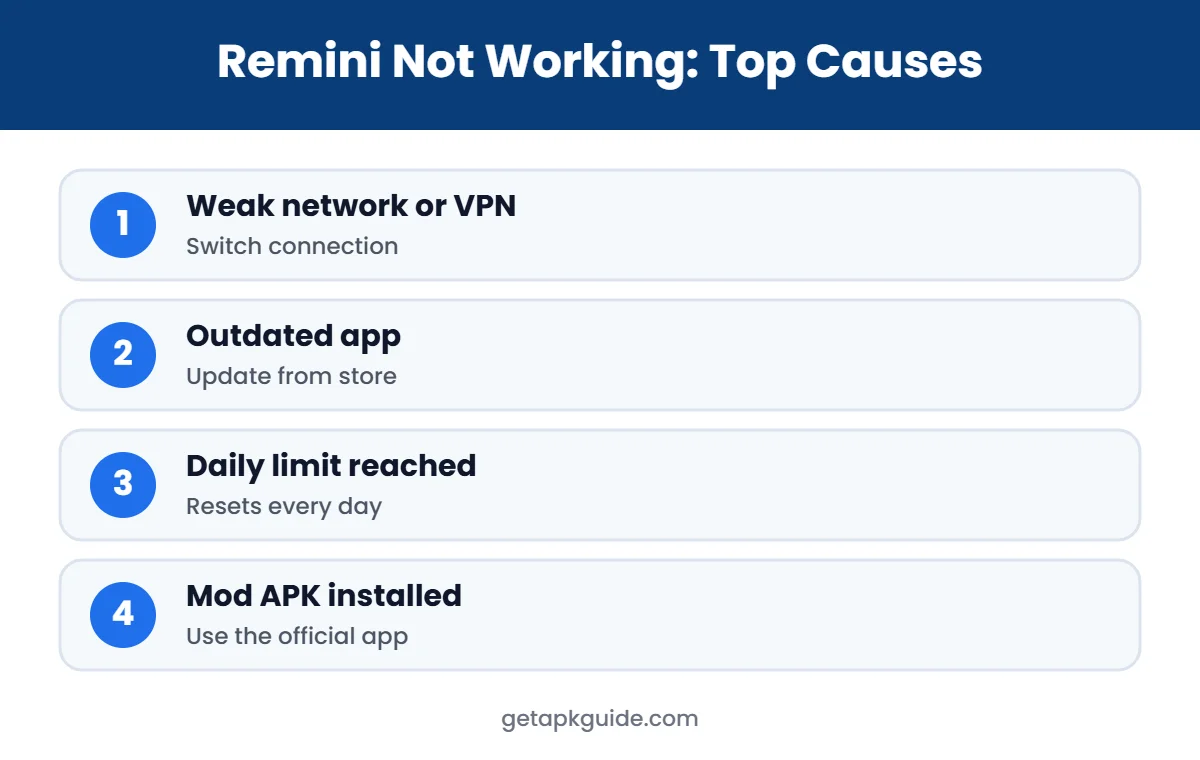
Quick answer: most cases of Remini not working come from a weak connection or VPN, an outdated app, low storage, a daily usage limit, or an unofficial Remini Mod APK. Update Remini from Google Play or the App Store, switch networks, free up space, and restart your phone. If you see a “rate limited” message, you have hit the daily limit.
Official Remini download (safe and free to install)
- Android: Remini on Google Play
- iPhone / iPad: Remini on the App Store
- PC / browser: remini.ai (official website)
These are the only official sources. Pro features are unlocked inside the official app, often with a free trial.
Why Is Remini Not Working?
| What you see | Likely cause | Fix |
|---|---|---|
| Stuck on processing | Slow network, VPN, server load | Fix 1 and 2 |
| App crashes or will not open | Outdated app or Android version | Fix 3 and 5 |
| “user.rate_limited” error | Daily AI limit reached | Fix 6 |
| AI Photos gives strange results | Bad AI profile | Fix 7 |
| Photo will not save | Low storage or permissions | Fix 4 |
| Error on Remini Web | Browser, ad blocker, file size | Fix 8 |
| Login or Pro features missing | Mod APK or wrong account | Fix 3 and FAQ |
Fix 1: Check Your Internet Connection
Remini processes photos on its servers, so it needs a stable connection. When Remini is not working and the progress bar stays still, switch from Wi-Fi to mobile data or the other way round. Remini’s help center recommends trying a different connection when AI Photos fails (Remini Help Center).
Fix 2: Turn Off Your VPN
VPNs and some proxy or ad-blocking apps can block or slow down Remini’s servers. Turn off any VPN, try again, and turn it back on later if you need it. Private DNS settings that block ads can cause the same issue.
Fix 3: Update or Reinstall Remini from the Official Store
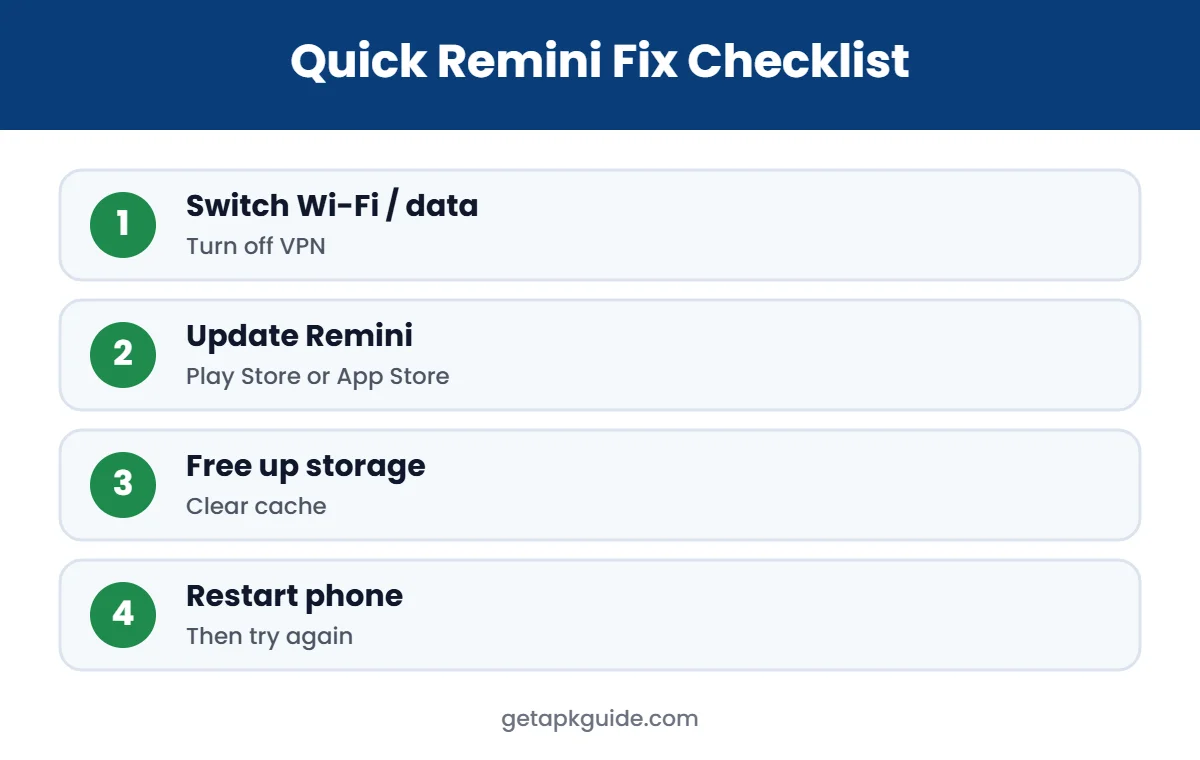
An old version often causes Remini not working errors after a server update. Open Google Play or the App Store, search Remini, and tap Update. If that does not help, uninstall Remini and reinstall the latest version. Remini’s help center lists reinstalling as a standard fix.
If you installed a Remini Mod APK or a “Pro unlocked” file, that is very likely the problem. Modified apps break when Remini changes its servers, cannot log in properly, and can be unsafe. Remove it and install the official app. Our Remini APK guide explains the safe options.
Fix 4: Free Up Storage and Check Permissions
- Keep at least 1 to 2 GB of free space so Remini can save high-resolution images and videos.
- Clear Remini’s cache: Settings > Apps > Remini > Storage > Clear cache. Do not clear data unless you are ready to sign in again.
- Allow photo and media access: Settings > Apps > Remini > Permissions. On Android 14 and later, choose “Allow all” if selected photos are not showing.
Fix 5: Update Android or iOS and Restart
The Google Play listing notes that Android versions older than Android 7 may not support the latest Remini updates. Update your phone’s software if an update is available, then restart the device. A restart clears stuck background processes and often fixes Remini not working after a long session.
Fix 6: Wait for the Daily Limit to Reset
If you see user.rate_limited, Remini is working; you have simply reached the maximum number of AI Photos generations. Remini says this limit resets every day and that a paid subscription may be required to keep using the feature. Free users also have daily enhancement caps and ads. See our Remini credits and limits guide and Remini Pro guide.
Fix 7: Delete or Retrain Your AI Profile
For AI Photos, such as the Remini baby filter, a bad set of selfies can cause errors or odd results. Open Remini Settings and use Delete AI Profile or Retrain AI Profile, then upload clearer selfies with good light and no filters.
Fix 8: Fix Remini Web Errors
If Remini Web is not working in your browser, Remini’s web help center suggests these steps (Remini Web Help):
- Try a different browser and do not use incognito or private mode.
- Turn off browser extensions, especially ad blockers.
- Use a supported format: JPG, PNG or WEBP for images, MP4 or MOV for videos.
- Resize very large images. Remini Web processes images up to 2048 x 2048 pixels.
Our Remini for PC guide has more tips for the web version.
Remini Not Installing?
If the problem is that Remini will not install, the cause is usually storage, an incompatible device, or a broken APK file from a third-party site. Read our App Not Installed fixes and problem parsing the package guide.
Is Remini Down Right Now?
Sometimes the issue is on Remini’s side. If Remini is not working for many people at the same time, you will usually see recent complaints on social media or outage tracking sites. In that case, wait an hour and try again; reinstalling will not help.
Remini Not Working on Samsung, Xiaomi and Other Phones
Some phone brands add their own battery and memory managers, and these can stop Remini in the background while it is uploading or processing. If Remini is not working only when you switch to another app, try these steps:
- Samsung: Settings > Apps > Remini > Battery > choose Unrestricted. Also check Device care > Battery > Background usage limits and remove Remini from “Sleeping apps”.
- Xiaomi, Redmi and POCO: Settings > Apps > Manage apps > Remini > Battery saver > No restrictions, and turn on Autostart.
- Oppo, Realme, Vivo: allow background activity for Remini in the battery settings.
- iPhone: turn off Low Power Mode while processing, and keep Remini open until the result appears.
Keep the screen on and stay in the app while a large photo or video is processing. Switching away is one of the most common reasons uploads fail.
Remini Not Saving Photos to the Gallery
If the enhanced photo looks fine but never appears in your gallery, the save step is the problem, not the AI. Check that Remini has permission to access photos and media, that you have enough free storage, and that you are looking in the right album; many phones place Remini images in a separate “Remini” folder. On iPhone, open Settings > Privacy & Security > Photos > Remini and choose Full Access. If saving still fails, take a screenshot of the result as a temporary workaround and then reinstall the app.
Remini Video Enhance Not Working
Video enhancement needs much more processing than a single photo, so it is more sensitive to slow connections and limits. Use short clips, keep the app open, and make sure the video is in a common format such as MP4 or MOV. Free users usually have stricter video limits. For more help, read our Remini video enhancer guide.
How to Prevent Remini Problems in the Future
- Install Remini only from Google Play, the App Store or remini.ai.
- Turn on automatic updates for Remini.
- Keep 1 to 2 GB of free storage.
- Avoid VPNs and ad-blocking DNS while using the app.
- Do not install modified “Pro” versions, which cause most login and crash problems.
Contact Remini Support
If none of these fixes work, contact Remini from the app’s settings or help section. The Google Play listing gives support-android@remini.ai for Android feedback. Include your phone model, Android or iOS version, Remini version and a screenshot of the error.
FAQ: Remini Not Working
Why is Remini not working today?
The most common reasons are a poor connection, VPN, an outdated app, the daily limit, or a temporary server problem.
Why is Remini stuck on processing?
Your connection may be slow or blocked by a VPN, or the servers are busy. Switch networks, turn off the VPN and try again later.
What does user.rate_limited mean in Remini?
You reached the AI Photos generation limit. Remini says it resets daily, or you can subscribe for more use.
Why is Remini Pro not working after I paid?
Make sure you are signed in with the same Google or Apple account you used to pay, then use Restore purchases in the app.
Will a Remini Mod APK fix these errors?
No. Mod APKs often cause Remini not working problems and can contain malware. Use the official app.